VPNs have a bad reputation, yet it’s more like misunderstanding since people know nothing about how they actually function. The reason for that is simple: there is a lot of marketing, but not much information on technical issues in that matter.
The aim of this article is not to promote some particular VPN product, but to clear everything up if you use or are about to start using a certain program.
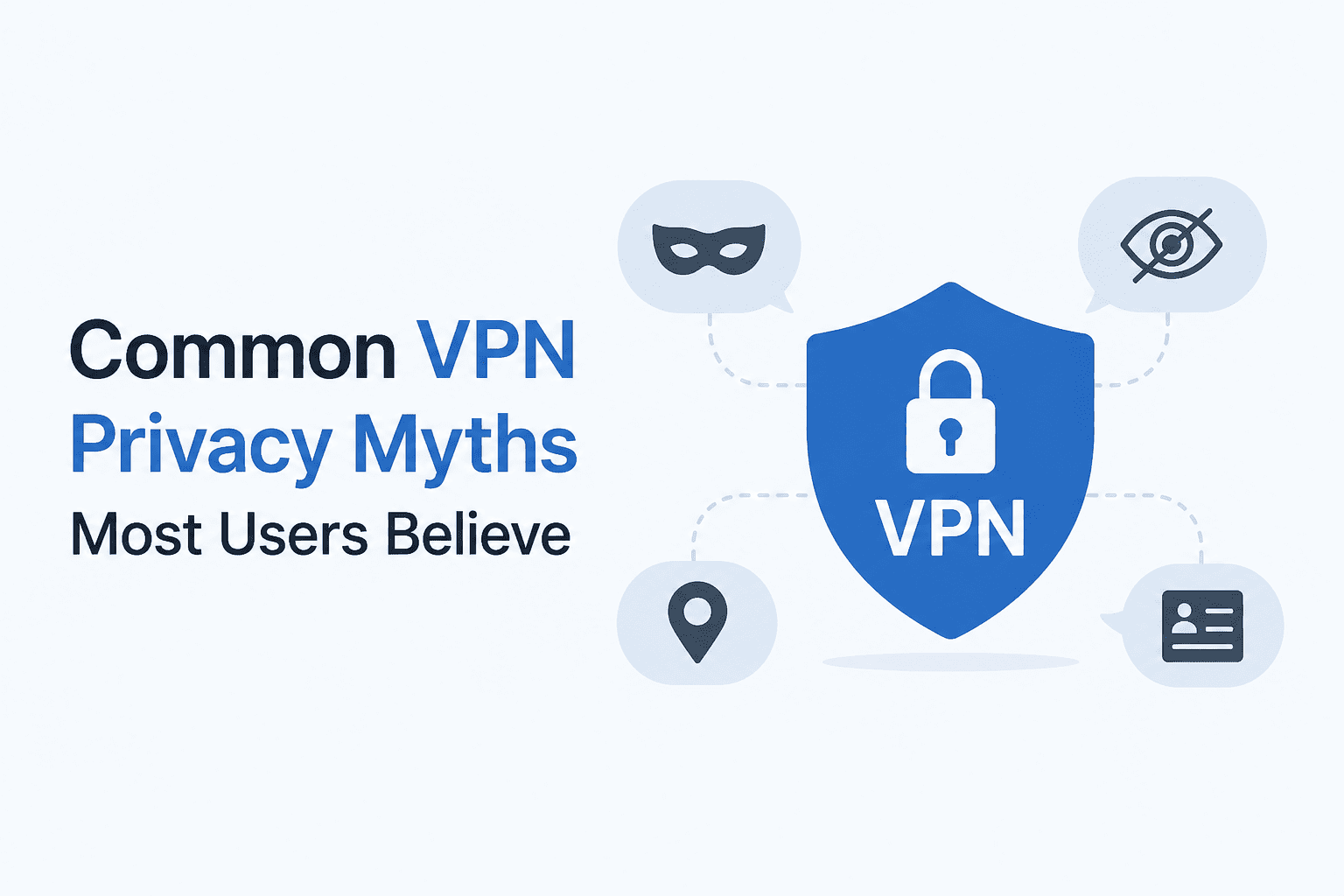
In other words, A VPN protects your online connection by hiding your real IP address and encrypting all your data, but it cannot guarantee anonymity, protection against malware, or complete safety on public networks.
Most misunderstandings regarding VPNs happen due to a confusion between privacy and invisibility.
Why VPN Myths Are So Persistent
The budget of marketing allocated to various companies which sell VPN services is huge. People hear the words “military-grade encryption,” “perfect anonymity,” and “total online freedom” enough to start believing them. Average Internet user does not read any audit reports about their level of privacy and check if the provider uses logs. He simply trusts fancy websites.
What we have in result – the tool, which actually provides valuable service, is presented as something which is not supposed to do.
Let us analyze each myth separately.
Myth #1: A VPN Makes You Completely Anonymous Online
This is the big one — and it’s simply not true.
A virtual private network changes your IP to one owned by the virtual private network server. True, but true anonymity is much more complicated than obscuring the IP address. Websites will track you using your browser fingerprints, cookies, session data, and even your behavior patterns, none of which involves your IP address at all.
If you are logged into Google and use a virtual private network, Google knows who you are for sure. Even if you’re logged into Facebook, your behavior is tracked across millions of websites using tracking pixels despite changing your IP address.
The Electronic Frontier Foundation has documented extensively how browser fingerprinting alone — screen resolution, fonts installed, browser settings — can uniquely identify a user across sessions without ever touching their IP address.
A VPN provides pseudonymity at the network level, not anonymity. It’s a meaningful distinction.
| What a VPN Hides | What a VPN Does NOT Hide |
|---|---|
| Your IP address from websites | Your identity when logged into accounts |
| Your traffic from your ISP | Browser fingerprint and cookies |
| Your location from content platforms | Malware on your device |
| Your browsing from local network sniffers | Your activity from the VPN provider itself |
| DNS queries (if built into the VPN) | Phishing links or social engineering |
Myth #2: Free VPNs Are Just as Good as Paid Ones
Running VPN infrastructure is expensive. Servers, bandwidth, maintenance, customer support — none of it is free. So when a VPN costs nothing, you have to ask: what’s the business model?
In a significant number of documented cases, the answer is data. Free VPNs have been caught logging browsing activity, injecting ads into web sessions, selling user data to third parties, and in some cases routing traffic through other users’ devices. The CSIRO (Australia’s national science agency) analyzed 283 Android VPN apps and found that 38% contained malware and 84% leaked user data.
The free VPN solving your privacy problem might actually be the privacy problem.
There are a handful of legitimately free options with funding from other sources (Proton VPN’s free tier, for example, is subsidized by its paid users), but the vast majority of zero-cost VPNs should be avoided entirely.
Myth #3: A VPN Protects You From Hackers
This one shows up in almost every VPN advertisement, and it’s misleading to the point of being harmful.
A VPN protects your traffic in transit — specifically between your device and the VPN server. It stops someone on the same Wi-Fi network from intercepting what you’re sending. That’s a real and useful protection, especially on public Wi-Fi networks where data interception is genuinely easy.
But most hacking doesn’t happen by intercepting your Wi-Fi traffic. It happens through:
- Phishing emails that trick you into entering credentials on fake sites
- Malware installed on your device through downloads or attachments
- Credential stuffing using passwords leaked in old data breaches
- Exploiting vulnerabilities in software you haven’t updated
A VPN does nothing about any of these. If you click a convincing fake PayPal email — something we break down in detail in our guide on how to spot phishing emails before you click — your VPN status is completely irrelevant. You already handed your credentials to the attacker.
VPNs are a network-layer tool. Most attacks happen at the human layer.
Myth #4: VPNs Prevent Websites From Tracking You
Here is where the misconception between “private browsing” and privacy causes the most damage.
You can be tracked on websites using cookies and third-party scripts, but rarely your IP address. The whole Google tracking network, Meta Pixel, hundreds of advertising networks do track you by identifiers in your browser, not your IP address.
The role of a VPN is to change your IP address. It doesn’t matter if there is a cookie in your browser with your unique identifier used by every website in Google ads network.
This connects directly to how ad targeting actually works. If you want to understand what data companies are really collecting about you, our breakdown of how ad-targeting algorithms actually work behind the scenes explains the full picture — and it goes far deeper than an IP address.
To reduce tracking effectively, you need a combination of tools: a privacy-focused browser, aggressive cookie management, and possibly a DNS-level blocker. A VPN is useful alongside these, not instead of them.
Myth #5: Your VPN Provider Can’t See Your Traffic
This is the one people really don’t want to hear.
You do not make yourself invisible through the use of a VPN; all you are doing is routing your traffic differently. Whereas before your ISP could see all of your activities, now your VPN provider can see all of your activities. You have simply transferred your trust from one body to the other.
The question of whether or not this is better will hinge entirely upon who your provider is, which jurisdiction they operate under, and whether or not they adhere to their claimed policy. There are many VPNs who claim no log policy yet have never been audited.
Providers like Mullvad and ProtonVPN have undergone independent audits and had their no-log claims verified in real legal situations. But most VPN providers — especially cheap or free ones — have not. The FTC has taken action against companies making deceptive privacy claims, including VPN providers who logged data they promised never to keep.
When choosing a VPN, ask: has this company’s no-log policy been independently audited? Has it been tested in a real court case? If the answer is no to both, treat the marketing claim skeptically.
Myth #6: A VPN Slows Your Internet to a Crawl
In the past, this was even more true than it is today. There was much more overhead in the early days of the technology, and connecting to a distant server would definitely affect speeds.
However, modern protocols, such as Wireguard, have made huge strides in reducing this overhead. On a decent fiber internet connection and when connecting to a local server, the difference is usually less than 10-15%.
Speed problems today are usually caused by:
- Choosing a server that is geographically far from your location
- Connecting to an overloaded server with too many users
- Using an outdated protocol (OpenVPN is more secure but slower; WireGuard is both fast and secure)
- Using a low-quality provider with underpowered infrastructure
A well-chosen VPN on a modern protocol connected to a nearby server is genuinely fast enough for everyday use. Speed is no longer a reason to avoid VPNs — it’s a reason to choose carefully.
Myth #7: Incognito Mode + VPN = Full Privacy
This combination feels powerful. In reality, both tools are doing different, narrower things than people assume.
Incognito mode does not store any information about your browsing session such as your history, cookies, and filled forms in your computer. Incognito mode cannot hide your browsing activities from your Internet Service Provider, or from any websites you visited because your ISP and websites would be able to detect that you visited them anyway.
VPN software encrypts your internet traffic so that your ISP cannot access your data. However, it does not protect you from the websites’ tracking technology or the third party’s monitoring of your data.
Together, they still don’t address browser fingerprinting, account-based tracking, or device-level data collection. Your browser knows considerably more about you than most people realize — we explored this in detail in our post on what your browser actually knows about you.
If you want meaningful privacy online, you need to address all three layers: network (VPN), browser (settings + extensions), and account behavior (what you’re logged into and when).
The Three Privacy Layers
- Network layer — who can see your traffic in transit (VPN helps here)
- Browser layer — what data your browser leaks to websites (VPN does nothing here)
- Account layer — what platforms know because you told them (VPN does nothing here)
Myth #8: All VPNs Use the Same Level of Encryption
Marketing departments adore the expression “military-grade encryption.” It sounds very good but means absolutely nothing if not used properly.
Most respected VPNs operate on AES-256 encryption algorithm, which is a standard and reliable way of protecting your data. However, the encryption algorithm is only a single element of a trustworthy connection provided by the program. Protocol, key exchange method, certificate verification and implementation also play their parts and they differ drastically from one service to another.
There are still some VPNs using such deprecated protocol as PPTP because of its known flaws. Some companies utilize OpenVPN with weak cipher configurations. There are services that use their own, unreviewed protocols.
Protocol is equally important to key length. WireGuard is at the moment considered to be the best choice when it comes to security and speed. OpenVPN, although being outdated, has been thoroughly tested and audited. IKEv2 is also considered good for mobile devices. All other options should be regarded skeptically regardless of marketing phrases like “256-bit” whatever.
If you care about this level of detail, the National Institute of Standards and Technology (NIST) publishes the standards that define what “strong” encryption actually means — and it’s a useful reference when VPN companies make bold technical claims.
Myth #9: A VPN Is the Only Privacy Tool You Need
Perhaps, this is the most dangerous myth ever, as it creates a false illusion of security that stops people from doing what could really keep them safe.
Privacy on the Internet involves many layers. One’s IP address is just one piece of information used by companies to find and track people. Correcting just one layer will not increase your privacy – it will only make tracking somewhat harder for networks.
Real privacy hygiene looks more like this:
- Use a VPN on untrusted networks (public Wi-Fi, travel, etc.)
- Use a privacy-respecting browser with tracking protection enabled — our complete browser privacy guide walks through exactly which settings to change
- Audit the default settings on your devices — most phones ship with several tracking features enabled by default that have nothing to do with your network connection, as covered in our post on dangerous default phone settings most people never turn off
- Use strong, unique passwords with login alerts enabled — this closes one of the most common attack vectors entirely
- Be selective about what accounts you log into and what permissions you grant to apps
A VPN is a useful piece of this picture. It is not the whole picture.
VPN Myths vs. Reality: Quick Reference
| The Myth | The Reality |
|---|---|
| VPN = complete anonymity | VPN hides your IP, not your identity or behavior |
| Free VPNs are just as good | Many monetize your data — you’re the product |
| VPN protects from hackers | Only from network sniffers, not phishing or malware |
| VPN stops website tracking | Tracking cookies and fingerprinting still work |
| VPN provider can’t see traffic | They can — you’re trusting them instead of your ISP |
| VPNs kill internet speed | Modern protocols (WireGuard) have minimal impact |
| Incognito + VPN = full privacy | Neither tool addresses tracking at the browser level |
| All VPN encryption is equal | Protocol and implementation matter enormously |
| VPN is all the privacy you need | It’s one layer of a multi-layer problem |
When a VPN Actually Makes a Real Difference
Having spent this article correcting myths, it’s worth being clear about what VPNs genuinely do well — because the truth isn’t that VPNs are useless. They’re just misunderstood.
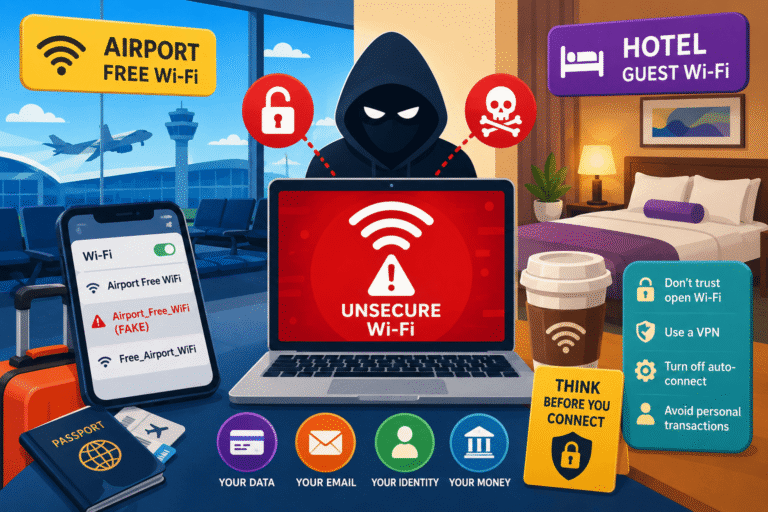
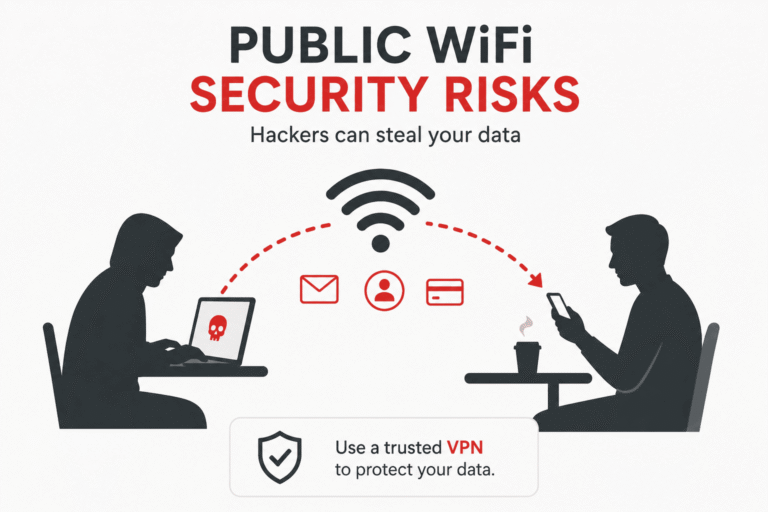
- Public Wi-Fi protection: This is the strongest real use case. On an open network, a VPN makes your traffic unreadable to other devices on the network. This is genuinely important, and the risks of not using one are documented and real.
- ISP surveillance prevention: Without a VPN, your ISP can see every site you visit and in many countries can sell or share that data. A VPN prevents this, though it shifts that visibility to the VPN provider.
- Geo-restriction bypass: Works well for streaming, accessing content in other regions, or circumventing censorship. This is a legitimate and widely used function.
- Protecting sensitive work traffic on the road: Business travelers using laptops on hotel Wi-Fi have a genuine reason to use VPNs, and this is exactly what enterprise VPNs were originally designed for.
✅ Final Verdict
The VPN service is indeed a highly valuable privacy tool, but only when applied to certain threats and in specific circumstances. It is not a universal privacy fix, will not guarantee anonymity, and a poor choice of service could actually be worse for your privacy than not using one at all. Use a trusted, vetted service and combine it with proper browser and account hygiene.
Best for: Public Wi-Fi, ISP tracking, geo-restrictions, travel.
Not a solution for: Anonymous browsing, malware, phishing, website tracking.
Frequently Asked Questions
Does a VPN stop Google from tracking me?
No. If you are signed into a Google account, Google tracks your activity regardless of your IP address. A VPN hides your IP from Google, but your account login, browser cookies, and search history are all still associated with your account profile.
Can my employer see my activity if I use a VPN?
This depends on the type of Virtual Private Network that is being used. In case one is using a personal Virtual Private Network through a work-supplied machine, it might still be possible for an employer to monitor his or her activities via monitoring software installed in the machine. On the other hand, when using a company Virtual Private Network to connect to work systems, the company can track the traffic thereon.
Is it illegal to use a VPN?
In most countries, using a VPN is legal. A small number of countries — notably Russia, China, North Korea, and Belarus — restrict or ban unauthorized VPN use. In most of the world, VPN use is entirely legal, though using one to commit illegal activity is obviously still illegal.
Do VPNs protect against data breaches?
No. Data breaches happen on the server side — at the company storing your data. A VPN protects data in transit between your device and the internet. Once your data is sitting in a company’s database, your VPN status has no bearing on whether that database is breached.
Should I use a VPN all the time?
On public or untrusted networks, yes. On your home network with a trusted ISP, it’s a personal choice based on your threat model. Using a VPN constantly on a home network primarily shifts trust from your ISP to your VPN provider, and may or may not represent an improvement depending on both parties’ practices.
What’s the best VPN for privacy?
Look for providers that have passed independent audits, maintain a verified no-log policy, are headquartered outside of high-surveillance jurisdictions, and use modern protocols like WireGuard. Mullvad VPN and ProtonVPN are consistently recommended by security researchers for these reasons. See our VPN & Network Security section for more in-depth coverage.