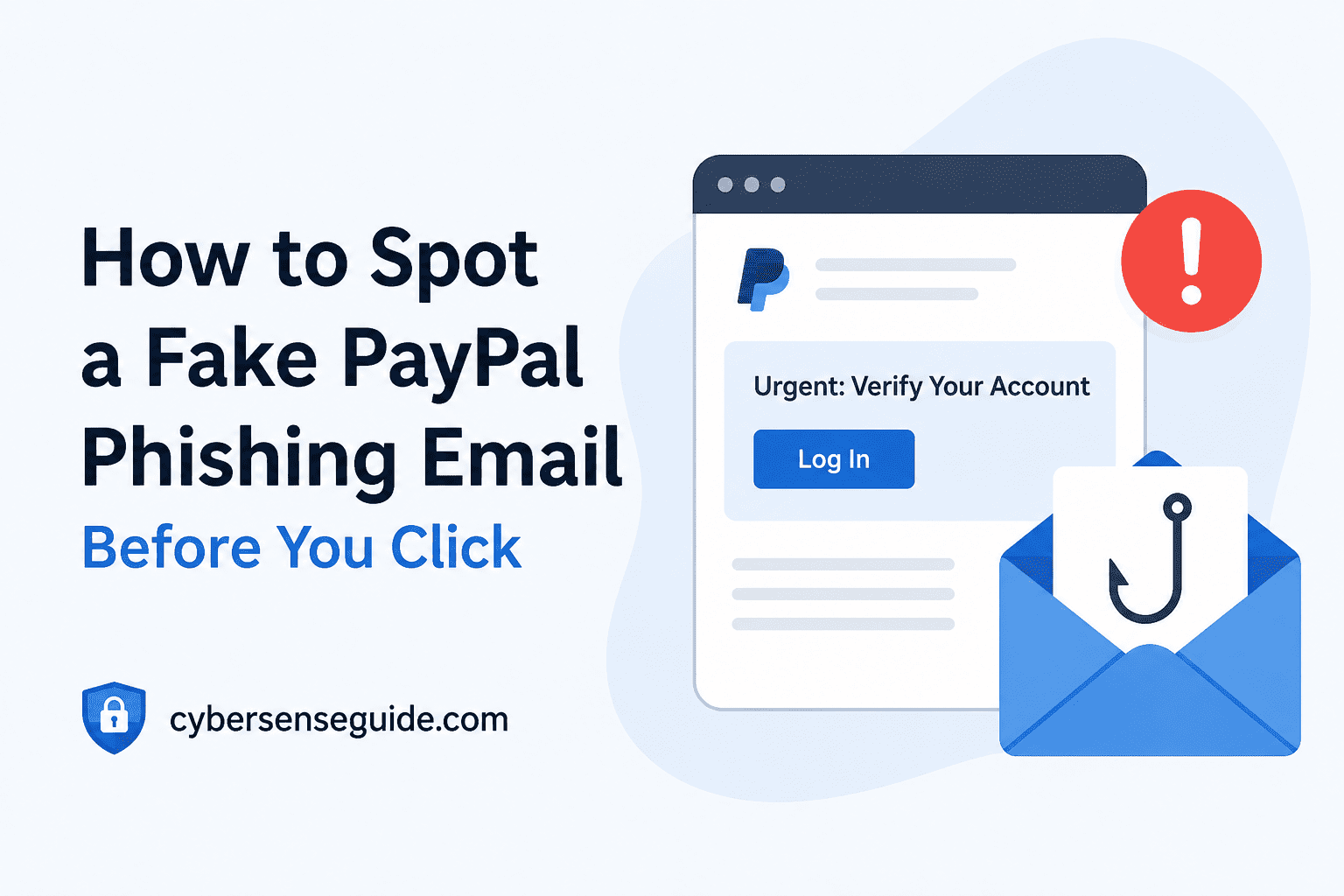
Answer Quickly: How to Spot if an Email is a Fraudulent Scam from PayPal Here is how a typical spam email from PayPal will be constructed – the email will use a forged sender’s address, a general greeting (e.g., “Dear customer”), an effort to create panic about your account, and a fake PayPal website link. Authentic emails from PayPal always have your name on them and will never ask for your password and social security number… When in doubt, go directly to PayPal’s official website — never click the email link.
The Day I Almost Got Conned
It was a Tuesday morning. I had my coffee, opened my inbox, and saw it: a perfectly formatted email from PayPal, complete with the blue logo, clean fonts, and that familiar footer I’d seen a hundred times before. The subject line read: “Urgent: Your PayPal account has been limited. Action required within 24 hours.”
The bottom fell out of my stomach. I paid a bill just last night. Something was definitely not right.
I almost clicked. The cursor was right over the button. But something, even a minuscule thing, stopped me from doing so.
It might have been a fraction of a second that saved my account, my money, and probably a world of pain for me. This article talks about that split second, the realization, and how you too can replicate that process.
What the Email Looked Like (It Was Disturbingly Good)
I want to be honest about something: this was not a poorly made scam. There was no broken English. No ugly layout. No blurry logo. This email looked almost pixel-perfect to a genuine PayPal security alert.
Here’s what it had:
- The official PayPal blue branding and logo at the top
- A professional, clean layout with proper spacing
- A convincing subject line that created real urgency
- A fake transaction reference number
- A large blue “Confirm Your Identity” button
- A footer that mimicked PayPal’s legal disclaimers almost word-for-word
If I had been in a hurry — which is exactly what they were counting on — I would have clicked without a second thought.
The Red Flags I Almost Missed
Here’s where I want to slow things down and walk you through each warning sign, because some of them are genuinely subtle.
1. The Sender’s Email Address Was Not From PayPal
This is the big one. The display name said “PayPal Security” — but when I actually clicked on the sender name to expand it, the real email address was something like: support@paypal-secure-alerts.net
Not @paypal.com. Not even close.
Scammers know you read the display name, not the actual address. They count on you not checking. The real PayPal sends emails exclusively from domains ending in @paypal.com. That’s it. No hyphens, no extra words, no variations.
2. It Greeted Me as “Dear Customer”
Real PayPal emails always use your full name — the one on your account. Always. A greeting like “Dear Customer,” “Dear User,” or “Dear PayPal Member” is a dead giveaway that whoever sent this doesn’t actually know who you are.
This is one of the oldest phishing tells in the book, but it still works because it’s easy to overlook when you’re anxious about your account being limited.
3. The Link Did Not Go to PayPal.com
Before I clicked anything, I hovered my mouse over the “Confirm Your Identity” button. In the bottom-left corner of my browser, I could see where the link was actually pointing.
It was something like: http://paypal-account-verify.info/login
No HTTPS. Not paypal.com. A totally different domain dressed up to look legitimate. This is called a lookalike domain, and it’s one of the most common tools in a phishing attacker’s toolkit. You can learn more about how these attacks work from CISA’s official phishing guidance.
4. It Created Extreme, Time-Pressured Urgency
“Your account will be permanently suspended in 24 hours.” This is the psychological tool being used. Fear makes one think irrationally. The idea is to have you take action even before you can think about it.
However, legitimate businesses, including PayPal, may actually notify their clients about problems with their accounts, but they always give them some time to act and there are no immediate and permanent threats if they do nothing within hours.
5. It Asked for Information PayPal Would Never Request
Following my hesitation around the link and the choice not to click, I became intrigued. I opened the URL in a sandboxed browser that I keep strictly for these types of tests. This fraudulent PayPal login screen was very convincing indeed — however, in addition to asking for my email address and password, it also requested my card number, expiry date, and last four digits of my Social Security Number.
PayPal will never ask for such detailed personal information via email link. Never. If you find yourself in a situation where such a request is made at random, close the page right away.
A Side-by-Side Comparison: Real vs. Fake PayPal Email
| Feature | Real PayPal Email | Phishing Email |
|---|---|---|
| Sender address | Ends in @paypal.com only | Random domain, often with “paypal” in the name |
| Greeting | Your full registered name | “Dear Customer” or “Dear User” |
| Links point to | paypal.com (HTTPS) | Lookalike domains (HTTP or fake HTTPS) |
| Information requested | Directs you to log in at paypal.com | Asks for card numbers, SSN, full credentials |
| Tone | Professional, measured | Urgent, threatening, panicked |
| Attachments | Almost never | Often includes suspicious PDFs or links |
| Spelling and grammar | Professional (modern scams too) | May have errors, but not always |
What I Did Instead of Clicking
As soon as I realized what was going on, I closed the email and opened up a new browser tab. Instead of clicking on anything in the email, I typed the url www.paypal.com directly into the browser and then logged in.
Everything in my account was absolutely perfect. No restrictions. No flags. Not a single issue.
The entire email was a fake. Nothing was even remotely wrong with my account.
This is the one and only habit that you need to cultivate: don’t ever respond to any email by following their links. Type in the URL yourself and access the website. Takes you ten extra seconds but renders you almost immune from such an attack.
Why These Scams Work So Well (Even on Smart People)
I used to think only careless or tech-illiterate people fell for phishing. Then I nearly fell for one myself, and I’ve spent years working in technology. That humbling moment made me look more seriously at the psychology behind it.
According to research from the FTC’s consumer protection guides, phishing succeeds primarily because it exploits emotional responses — fear, urgency, and authority — not ignorance. When you believe your money is at risk, your brain prioritizes speed over scrutiny. That’s not a character flaw. That’s biology.
Modern phishing kits are also frighteningly sophisticated. Entire “phishing-as-a-service” platforms exist on the dark web that let criminals clone legitimate websites with one click. The barrier to launching a convincing attack has never been lower.
How to Protect Yourself Going Forward
Enable Two-Factor Authentication on PayPal
Even if a scammer captures your password, 2FA means they still can’t get into your account without the second code sent to your phone. Go to your PayPal settings and turn this on right now if you haven’t already. It’s the single most effective account protection step you can take. We’ve covered this in more detail in our guide on why two-factor authentication matters more than a strong password.
Forward Suspicious Emails to PayPal Directly
PayPal has an official channel for reporting phishing: phishing@paypal.com. If you receive a suspicious email that appears to be from them, forward it there without clicking anything inside it. They investigate and use it to take down fraudulent domains.
Check Your Login Alerts Regularly
PayPal and most serious financial platforms send notifications whenever your account is accessed from a new device or location. Make sure these alerts are enabled and that you actually read them. If you see a login you don’t recognize, change your password immediately and review your linked payment methods.
We cover this habit in depth in our post on why you should never ignore login alert emails.
Use a Password Manager
A good password manager will autofill your credentials only on the actual legitimate domain. If you’re on a fake PayPal page, the manager won’t fill anything in — because it knows the domain doesn’t match. That automatic refusal is a powerful safety net. NIST recommends password managers as a foundational personal security practice.
Be Especially Cautious on Public Wi-Fi
Never check financial accounts or click on payment-related emails while on public Wi-Fi. Attackers can intercept traffic on unsecured networks and pair that with a phishing attempt for a very effective one-two punch. If you must use public Wi-Fi, use a VPN. Read more in our article on the real dangers of using public WiFi.
Pros and Cons of the Habits That Protect You
✅ Pros
- Manually typing URLs takes seconds but removes nearly all phishing risk from email links
- Two-factor authentication protects you even when passwords are compromised
- Password managers add an invisible layer of domain verification you don’t have to think about
- Hovering over links before clicking is a zero-effort habit that reveals spoofed URLs instantly
❌ Cons / Challenges
- These habits require you to slow down, which feels unnatural when an email creates urgency
- Highly polished phishing emails can fool even experienced users on a distracted day
- Lookalike domains are increasingly difficult to detect visually (e.g., paypaI.com with a capital I instead of lowercase L)
- 2FA via SMS has weaknesses — SIM-swapping attacks can defeat it; use an authenticator app when possible
Final Verdict
Phishing e-mails pretending to be from PayPal have become one of the most prevalent and most believable phishing attempts that have been seen recently. The phishing attempt that almost fooled me was not sloppy; on the contrary, it was very well planned out and emotional, taking advantage of the time where you feel like your money is in danger.
The steps that prevented me from falling for this scam were quite simple: checking who the sender was, hovering over the link and accessing the website directly through the Internet browser took less than 60 seconds altogether.
The most dangerous assumption you can make is that you’re too smart to fall for a phishing scam. I almost did. You might too. Slow down, verify, and when in doubt — go directly to the source. According to the FBI’s Internet Crime Complaint Center (IC3), phishing remains the single most reported cybercrime category year after year. It works because it targets human instincts, not human ignorance.
Stay skeptical. Stay safe.
Frequently Asked Questions
How do I verify if an email is really from PayPal?
Check the sender’s actual email address (not just the display name) — it must end in @paypal.com. Also confirm that any links in the email point to paypal.com. If you’re uncertain, skip the email entirely and log in to your account directly by typing paypal.com into your browser.
What should I do if I already clicked a link in a suspicious email?
Do not enter any information on the page you landed on. Close the tab immediately. Then go directly to paypal.com, log in, and change your password. Enable two-factor authentication if it’s not already on. If you entered any information, contact PayPal’s customer service and your bank right away.
Can a phishing email infect my device just by opening it?
Opening a plain text or HTML email in a modern, updated email client is generally low risk. The real danger is clicking links or downloading attachments. However, some sophisticated attacks can exploit email client vulnerabilities, which is why keeping your software updated matters.
Does PayPal ever send emails asking you to confirm your identity?
PayPal does send security emails in some cases, but they will always address you by your full name and will never ask you to confirm sensitive details like your card number or SSN through an email link. Legitimate security checks happen inside the secure, authenticated PayPal website — not through a form linked from an email.
What is a lookalike domain and how do I spot one?
A lookalike domain is a web address that’s designed to appear almost identical to a legitimate one. Examples include paypa1.com (number 1 instead of letter l), paypal-secure.com, or paypal.account-verify.net. Always look at the full domain carefully. For PayPal, the only legitimate domain is paypal.com — anything before or after that with additional words or hyphens is not PayPal.
Is it safe to forward the suspicious email to report it?
Yes — forwarding a suspicious email to phishing@paypal.com is safe as long as you don’t click any links inside it while doing so. You’re simply sending them the raw email content so they can investigate the fraudulent sender and domain.