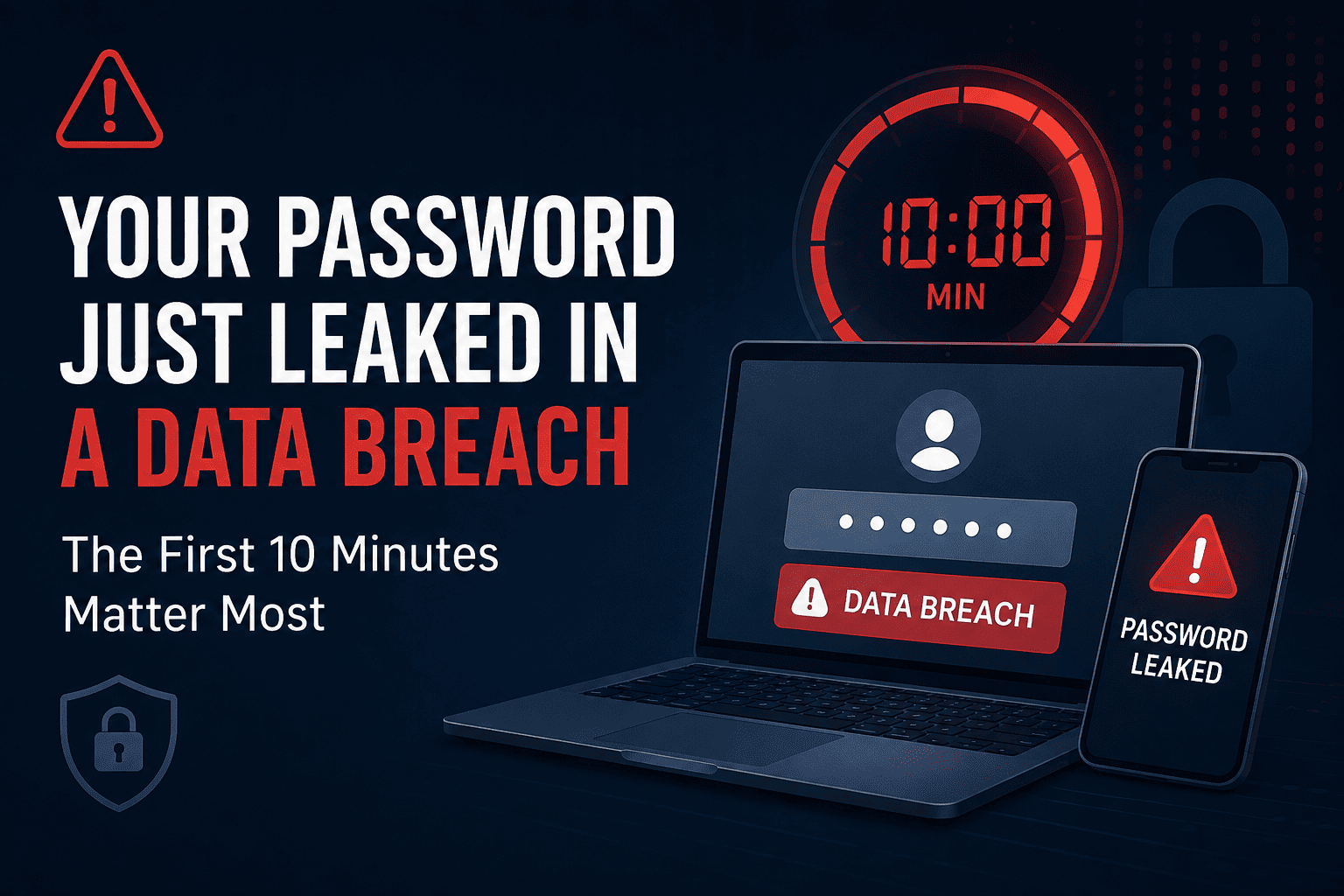
If your password just showed up in a data breach, you have a short window before automated bots try it everywhere else. In the first 10 minutes: change the leaked password, turn on two-factor authentication if you haven’t already, check where else you reused it, and log out of active sessions. The bots that buy breached credentials don’t wait for morning — they test logins within hours, sometimes minutes, of a breach going public.
What Actually Happens the Moment Your Password Leaks
Most people picture a hacker sitting at a keyboard, manually typing your email and password into Netflix, then your bank, then your email. That’s not how it works anymore, and understanding the real process is what makes the urgency make sense.
When a company gets breached, the stolen database usually doesn’t go straight to the attacker who broke in. It gets sold, traded, or dumped on forums and Telegram channels within days — sometimes hours. From there, other criminals buy the list not to target you specifically, but to feed it into software that does the work automatically.
That software is built for one job: take a giant list of email-and-password pairs and try them, at machine speed, against hundreds of other websites. This is called credential stuffing, and it exists because so many people reuse the same password across multiple accounts. The bot doesn’t know or care who you are. It just needs your old password to match your new one somewhere else.
Why Bots Move Faster Than People Expect
A single credential-stuffing tool can attempt thousands of logins per minute across dozens of sites at once, rotating IP addresses to dodge rate limits and appear as normal traffic. Breached databases are frequently combined with older leaks to build bigger “combo lists,” which means your five-year-old forum password might get retested against your email account today, even if you forgot that account ever existed.
The First 10 Minutes: A Minute-by-Minute Breakdown
Not every minute matters equally. Here’s roughly how the timeline plays out once a breach is confirmed and your credentials are circulating.
| Time After Leak | What’s Happening | What You Should Be Doing |
|---|---|---|
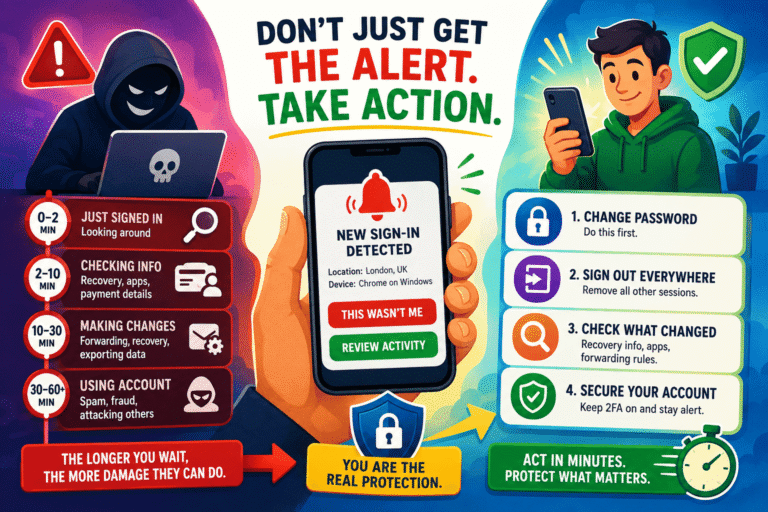
| 0–2 minutes | Automated scripts begin testing the leaked password against major email, banking, and social platforms | Log in to the breached account and change that password immediately |
| 2–5 minutes | Successful logins get flagged for the attacker; failed attempts get discarded or queued for retry | Enable two-factor authentication on the account, then check for new login alerts |
| 5–7 minutes | Bots pivot to secondary targets using the same email and any reused password variations | Change the same password anywhere else you’ve used it |
| 7–10 minutes | Attackers who got in start looking for saved payment details, contact lists, or password reset options | Review account activity, remove saved cards if possible, log out of all active sessions |
The point isn’t that you’ll lose everything at minute 11. It’s that the odds shift heavily in your favor when you act inside this window instead of dealing with it “later tonight.”
Step-by-Step: What To Do Right Now
- Change the password on the breached account first. Don’t start anywhere else — the source account is the one being actively targeted.
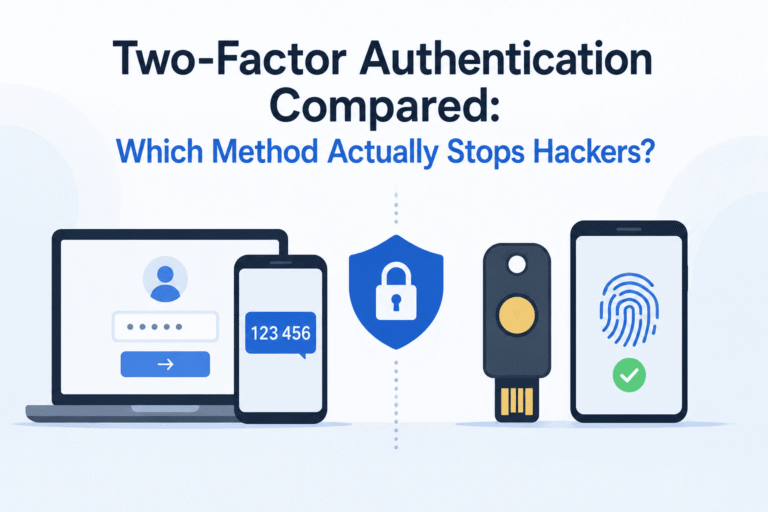
- Turn on two-factor authentication. Even a basic authenticator app stops most automated login attempts cold, since the bot has your password but not your second factor. If you’re not sure which type to use, this comparison of two-factor authentication methods breaks down which ones actually hold up against phishing and SIM-swap attacks.
- Check for password reuse. Think through every account where you might have used the same password, even an old variation of it. This is usually the step people skip, and it’s the one credential-stuffing bots are counting on.
- Log out of all active sessions. Most email providers, banks, and social platforms have a “sign out of all devices” option buried in security settings. Use it.
- Check connected apps and forwarding rules. Attackers who briefly access an email account sometimes set up hidden forwarding rules to keep reading your mail after you’ve locked them out. Check this even if you regained access quickly.
- Watch for a second wave of phishing. Breach data often gets reused to build convincing follow-up scams pretending to be the breached company. Knowing the psychological tricks behind these emails, like the ones covered in this breakdown of phishing email tactics, makes them much easier to catch.
How to Check If You’ve Actually Been Breached
Before panicking over every security headline, confirm whether your specific email address is in a known breach. Have I Been Pwned is the most widely used free tool for this, run independently and used by security researchers worldwide. Enter your email, and it will show which known breaches included it and what data was exposed.
If financial information or a government ID was part of the breach, the FTC’s IdentityTheft.gov site walks through a personalized recovery plan, including how to place fraud alerts and dispute unauthorized charges.
Reused Password vs. Unique Password: What Changes
The single biggest factor in how bad a breach turns out to be isn’t the breach itself — it’s whether that password existed anywhere else.
| Reused Password | Unique Password (per site) | |
|---|---|---|
| Blast radius | Every account using it is now at risk | Only the breached account is affected |
| Bot exposure | Actively tested across hundreds of sites | Useless outside the one breached site |
| Recovery effort | Hours spent auditing multiple accounts | One password change, done |
| Long-term fix | Requires a password manager to maintain | Already the safer habit |
Pros and Cons of Using a Password Manager After a Breach
- Pro: Generates a unique, long password for every account automatically, so one leak can never cascade into others.
- Pro: Most managers flag reused or previously breached passwords for you, cutting out manual checking.
- Con: Takes an afternoon to set up properly across all your existing accounts.
- Con: Free tiers on some tools limit device syncing, which matters if you switch between phone and laptop often.
If you’re deciding which one is worth the subscription cost, this comparison of four popular password managers tests them against real day-to-day use rather than marketing claims.
The One Habit That Cuts Your Risk Before a Breach Even Happens
There’s a simpler, less technical layer that catches most account takeover attempts before they finish: login alerts. When enabled, they notify you the moment an unrecognized device or location signs in — often before the attacker has finished exploring the account. It’s covered in more depth in this piece on the password habit that makes hackers give up, and it takes about two minutes to turn on per account.
It’s also worth remembering that breaches aren’t only about passwords. If your address, phone number, or family details are already floating around from data broker sites, a leaked password becomes far more useful to a scammer trying to impersonate you. Opting out of data broker listings shrinks that secondary risk considerably.
What If You Can’t Log In Anymore?
If the attacker changed the password before you got there, most major platforms have a recovery flow that doesn’t rely on the old password at all:
- Use the “forgot password” link and choose recovery by phone number or backup email if you set one up previously.
- For Google, Microsoft, and Apple accounts, dedicated account recovery pages exist separately from the standard login screen — search for the official recovery page rather than clicking links from any email claiming to help.
- Contact your bank directly by phone using the number on your card, not a number from a suspicious email or text.
Verdict: Is 10 Minutes Really Going to Make a Difference?
Yes, and not because of superstition about round numbers. Automated attacks are exactly that — automated. They run on a queue, and once your credentials are tested and found to still work, the account gets flagged as “live” and prioritized for deeper access. Once a password is changed, that entry becomes dead weight in the attacker’s list. Acting early doesn’t guarantee nothing bad happens, but it removes you from the pool of accounts still worth pursuing.
The realistic goal isn’t perfection. It’s making yourself a harder, slower target than the millions of other reused passwords sitting in the same leaked file.
Frequently Asked Questions
How do I know if my password was part of a data breach?
Check your email address on Have I Been Pwned. Many password managers and browsers, including Google Chrome’s built-in Password Checkup, also alert you automatically when a saved password matches a known breach.
Should I change all my passwords or just the leaked one?
Start with the breached account, then change the same password anywhere you reused it. You don’t need to change passwords that were never the same as the leaked one.
Does two-factor authentication really stop credential stuffing?
In almost all cases, yes. Credential-stuffing bots only have your password, not your phone or authenticator app, so a correct password alone won’t get them in once 2FA is active.
Can a data breach lead to identity theft, not just account hacking?
Yes, especially if the breach included your name, address, phone number, or partial financial details alongside the password. The FTC’s IdentityTheft.gov is the official place to start a recovery plan if that’s the case.
What if the breached account is an old one I don’t use anymore?
Log in anyway if you can, change the password, and delete the account if it’s no longer needed. Dormant accounts with old passwords are exactly what combo lists are built from.
Is it safe to reuse a “strong” password across a few trusted sites?
No. Strength doesn’t matter once the password is exposed in plain text from a breach — complexity only helps against guessing attacks, not against a database leak where the password is already known.