Answer in Brief: Public WiFi networks have little encryption at all. Any user who has access to that network can easily capture the information being transmitted through it using free and user-friendly software. The only solution available for this is a trustworthy VPN service.
The Café Scene Nobody Warns You About
Now imagine that you are sitting in a cafe, drinking your coffee while using the free WiFi there. You are checking your emails, browsing the web, even accessing your office dashboard. Everything seems fine.
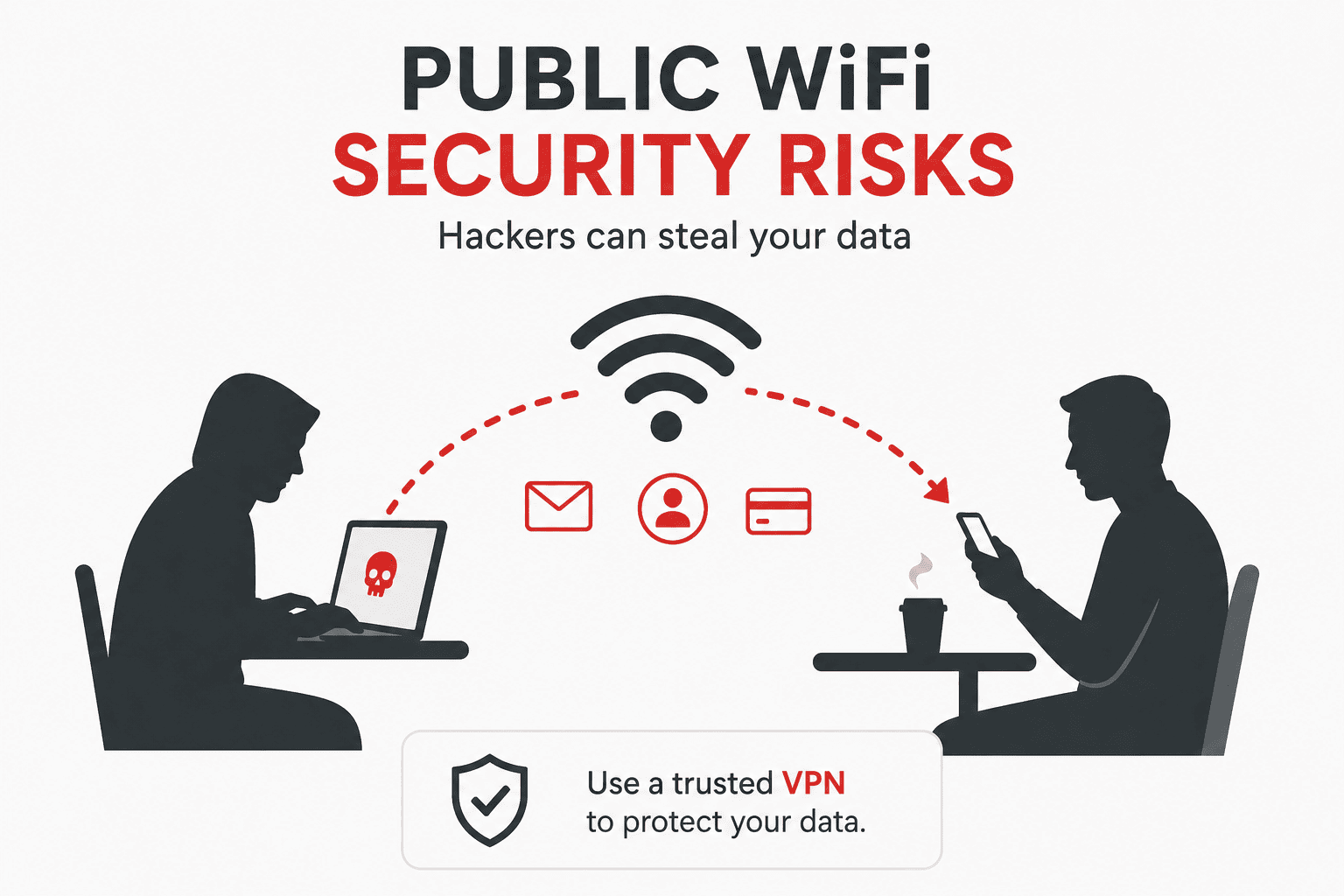
Three tables away from you, someone starts using their computer. No need for them to hack the Matrix. They don’t have to run any advanced code. All they need to do is use one simple free program and, in a couple of seconds, they will see all the live traffic that goes over the network, including all your logins, sessions, and even browsing history.
This is not some movie scene. It is something that a decently curious person can easily do on a Saturday afternoon without any hacking skills whatsoever.
This is exactly why public WiFi is so scary.
How This Actually Works (No Jargon)
The vast majority of public WiFi networks have absolutely zero encryption between your device and the router itself. When you send a piece of information, it flies in the air in the form of radio waves. Everyone with a WiFi adapter in “monitor mode” is able to capture all those waves, regardless of whether they are intended for him or not.
In other words, this means that everybody in the café sends their message out loud rather than whispers. And the router listens to everything. But so do all other people who are paying attention.
The Tool That Scares Security Researchers
Programs such as Wireshark, which is free, open source, and utilized all around the world by network engineers, have been developed to diagnose networks properly. When directed toward an open WiFi network, however, all information passes through them. All HTTP traffic. All form data submitted without encryption. All cookies.
It only takes two minutes to download. It’s not even that difficult to use. That’s the issue.
According to the FBI’s Cyber Crime Division, public WiFi interception attacks are among the most common and most underreported forms of data theft, precisely because victims rarely know it’s happening.
What a Real Sniffing Session Looks Like
Here’s a simplified but accurate breakdown of what someone sitting in that café can actually see:
| What You’re Doing | What They Can See (HTTP) | What They Can See (HTTPS) |
|---|---|---|
| Logging into a website | Your username and password in plain text | Encrypted — content hidden, but domain visible |
| Browsing a webpage | Exact URL and full page content | Domain name only |
| Submitting a form | Every field you typed | Encrypted payload |
| Loading images | Every image file | Encrypted |
| Session cookies | Visible and stealable | Encrypted, but domain leaks |
| DNS queries | Every site you look up | Still visible unless DoH is enabled |
Notice that even HTTPS — which protects the content — doesn’t hide which websites you’re visiting. A pattern of DNS queries alone can reveal a lot about a person.
The “But Most Sites Use HTTPS Now” Trap
Yes, the web has largely moved to HTTPS. This is genuinely good news. But it’s not the end of the story, and treating it as a full solution is a mistake most people make.
Session Hijacking Still Works
Even when using HTTPS websites, your session cookie — the data point used by the website to say “okay, we’ve authenticated that person,” can still be stolen from a site that doesn’t properly secure its cookies. Once the session cookie has been taken, just replaying it will give you access to the account without needing a password at all.
And this kind of attack, known as session hijacking or sidejacking, isn’t even a hypothetical threat. It was publicly demonstrated years ago using a simple Firefox extension called Firesheep that allowed the attacker to hijack sessions on Facebook, Twitter, and Amazon. This caused these websites to finally start implementing HTTPS, but not all websites did.
SSL Stripping
Other method that could be used by attackers: if someone is positioned between you and the router, then that person may intercept your connection before it is encrypted and serve you HTTP version of the website, thus you will not have any lock icon on your browser; and all of your information will travel in plaintext.
The OWASP Foundation, the leading authority on web application security, documents this attack in detail and considers it a serious ongoing risk.
The Evil Twin Attack: A Fake Network With Your Name
This one is just too easy, to the point that it feels insulting.
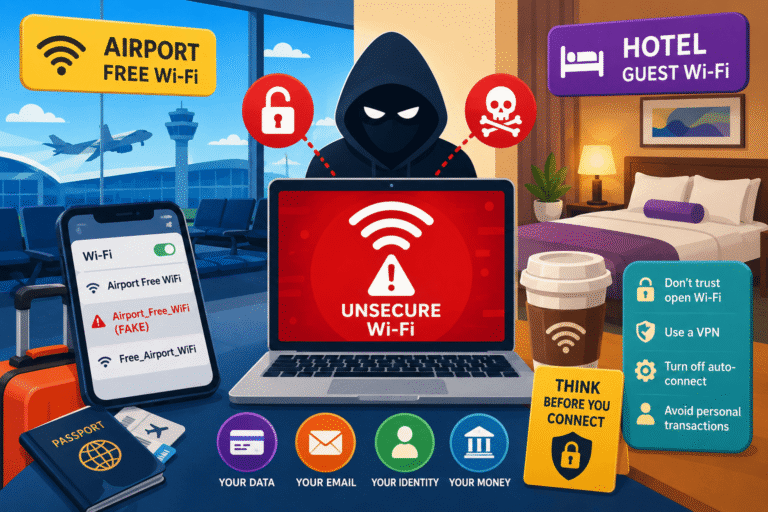
The malicious actor hangs around a coffee shop called “Brew Bros,” whose network name is “BrewBros_Free.” The malicious actor establishes his own hotspot using the exact same name. The strength of the signal from the malicious actor is greater than the real coffee shop’s, and your phone connects automatically.
This means that any data you send now goes through their device to reach the internet, meaning they are the provider of the internet for your device. And not only that, they can watch everything you do and even alter the pages you visit.
The Federal Trade Commission (FTC) warns consumers about exactly this scenario, noting that free hotspot names are easy to spoof and users almost never verify them.
Who Actually Does This?
Let’s be real. Most people sitting in a café are just drinking coffee. But the category of people with the motivation and the very basic skill set to run these attacks is larger than most assume.
- Script kiddies — people who follow YouTube tutorials and run pre-packaged tools without deep understanding
- Opportunistic data thieves — looking for session cookies or credentials to sell in bulk
- Corporate espionage actors — targeting executives and business travelers in airports and hotel lobbies
- Bored security students — practicing in the wild (which is illegal, but it happens)
- Pen testers hired to test the venue — completely legitimate, but indistinguishable from the above while they work
The scary group is the first one. These are not sophisticated actors. They’re teenagers who watched a 20-minute video. And that’s enough.
The Places Where This Risk Is Highest
Not all public WiFi environments are equally dangerous. Here’s a realistic risk ranking:
Highest Risk
- International airports — high-value targets (executives, journalists, business travelers) in a dense, transient environment
- Hotel lobbies and conference centers — same target profile, prolonged exposure
- Train stations and bus terminals — fast turnover makes detection unlikely
Medium Risk
- Coffee shops and cafés — classic scenario, moderately high foot traffic
- Libraries and co-working spaces — longer sessions increase exposure
- Shopping malls — often poorly secured networks running very old infrastructure
Lower Risk (But Not Zero)
- Hospital or clinic waiting rooms
- Restaurant dining areas — shorter stays reduce risk window
- Small-town public spaces — smaller potential attacker pool
Pros and Cons of Public WiFi
The Case For Using It
- Free and widely available
- Saves mobile data for streaming and uploads
- Often faster than mobile data in dense urban areas
- Useful in emergencies when no other connection exists
- Fine for genuinely low-risk browsing (reading Wikipedia, watching YouTube without an account)
The Real Costs
- No reliable encryption between you and the router
- Shared with unknown parties who may be actively monitoring traffic
- Evil twin networks are undetectable without verification
- Even HTTPS doesn’t hide metadata or protect poorly-secured sessions
- Your device may auto-join known network names that are spoofed
- DNS queries are often unencrypted even when page content is not
What You Should Actually Do
Use a VPN — But Pick One That’s Actually Worth Using
A Virtual Private Network, or VPN, will create a secure tunnel between your computer and a remote server controlled by the VPN company. A hacker on the network can see nothing but scrambled garbage; they have no idea what websites you visit and what information you send and receive.
It is the one and only protection that truly works. However, not all VPNs are created equally. Most free VPN services log and then sell your personal information, and that is probably even worse than the problem you are trying to protect yourself against.
If you’re building a cybersecurity mindset from scratch, our guide on choosing your first VPN as a non-technical user walks through what the specs actually mean and which red flags to avoid.
Check for HTTPS Before You Type Anything Sensitive
Look for the padlock. Better yet, install a browser extension that forces HTTPS connections everywhere it’s available. The Electronic Frontier Foundation’s HTTPS Everywhere project is a trusted tool for this — though most modern browsers now have built-in HTTPS-first modes.
Turn Off Auto-Connect
Your phone and computer memorize connections and reconnects automatically. This is how the Evil Twin attack succeeds in gaining access to your system. Ensure that the auto-connect feature on all your devices is turned off for public connections.
Use Mobile Data for Sensitive Tasks
When you are banking, emailing at work, or engaging in any activity that involves your payment information or login information, avoid using the WiFi in the café and use the mobile data on your phone instead. Mobile data is sent through the encrypted cellular network of your carrier company.
Enable DNS over HTTPS (DoH)
Your DNS queries – the “Where is this website?” requests your computer is sending all the time – will be sent unencrypted even when you are using an encrypted connection. DNS-over-HTTPS encrypts those queries. It is supported natively by both Chrome and Firefox in their settings.
Keep Your Device’s Firewall On
Devices on the same network can also try to connect with yours directly. A firewall prevents any unsolicited connection requests. If you use Windows, ensure that your firewall profile is set to “Public” while using a public Wi-Fi network. If you are using macOS, then activate the firewall from System Settings > Privacy & Security.
A Realistic 5-Minute Security Checklist for Public WiFi
- Connect your VPN before joining the network
- Verify the exact network name with staff before connecting
- Check that your firewall is active and set to public mode
- Avoid logging into banking, work systems, or anything sensitive
- When done, forget the network so you don’t auto-join it next time
None of these steps take more than 30 seconds. Combined, they reduce your exposure dramatically.
The Deeper Problem: Most People Feel Safe Because Nothing Has Happened Yet
And the reality of network level attacks is that you’ll likely never know. There will be no notification, no alert, nothing weird showing up on your statement the next day (generally speaking). Credential stealing is frequently done weeks or months later, or the credentials are sold and then used later down the line by another entity.
No harm being done doesn’t mean there isn’t any threat. Just a time delay.
According to research published by IBM’s annual Cost of a Data Breach report, the average time between a breach and its detection is measured in months — not days. A session cookie stolen in a café in March might be used to access a company account in June.
For a broader look at how these kinds of invisible risks add up, our post on everyday cybersecurity habits most people ignore covers the behavioral side of staying protected without paranoia.
What the Venue Owes You (And Doesn’t)
There is no legal requirement for businesses providing public Wi-Fi connections in most countries to either encrypt them, scan them for potential harmful users, or let you know whether their connection is safe or not. Most times, this will be stated explicitly in the terms and conditions, where any responsibility in case something goes wrong while using their connection is waived by the company.
The café is not your ISP. They just got a router, hooked it up and posted the password on the wall in a form of a notice board. Safety is not their concern. It is your problem.
Some places have started deploying enterprise networks with client isolation, but they are very few and far between at the moment. In any case, the client isolation is still not enough to defend you against an Evil Twin Attack, which will come before you get to the router itself.
Verdict
Public WiFi is a convenience that comes with real, underestimated risk. The threat isn’t theoretical or reserved for government targets — it’s the kind of thing a curious person can execute on a slow afternoon. HTTPS has improved the landscape, but it doesn’t solve the whole problem. A VPN, manual network verification, and avoiding sensitive logins on public networks are not paranoia. They are basic digital hygiene in 2025 and beyond.
Risk Level: High in airports, hotels, and urban cafés. Medium everywhere else.
Required effort to protect yourself: Low — a VPN and 5 minutes of setup.
Recommended action: Get a reputable VPN. Enable DNS over HTTPS. Stop auto-connecting.
Frequently Asked Questions
Can someone see what websites I visit on public WiFi?
Yes. Even with HTTPS, your DNS queries reveal the domains you visit. Without HTTPS, the full content of every page is visible. With HTTPS and no DoH, anyone monitoring the network knows which sites you visited, just not what you did on them.
Does a VPN protect me completely on public WiFi?
A good VPN encrypts your traffic end-to-end and hides your activity from anyone on the local network. It’s not a complete silver bullet — a compromised VPN provider could still log your data — but a reputable, audited VPN with a no-log policy is the single best protection available to regular users.
Is HTTPS enough to be safe on public WiFi?
It’s better than nothing, but no. HTTPS protects the content of your connection, not the metadata. It also doesn’t prevent Evil Twin attacks, session hijacking on poorly-configured sites, or SSL stripping. Use HTTPS and a VPN.
Can I get hacked just by connecting to a public WiFi network without doing anything?
It’s possible if you have outdated software with unpatched vulnerabilities, especially if your firewall is off and the network has no client isolation. Simply connecting exposes your device to other devices on the network. This is why you should enable your firewall and set it to “public” mode before connecting.
How do I know if the public WiFi I’m joining is real or an Evil Twin?
Ask staff for the exact network name. Compare it letter by letter. Check for subtle variations — a zero instead of the letter O, extra spaces, or a slightly different spelling. There is no technical indicator on most devices that tells you if a network is spoofed. Manual verification with the venue is the only reliable method.
Is public WiFi at airports riskier than at coffee shops?
Generally yes. Airports attract high-value targets — executives, government employees, journalists, business travelers — making them more appealing to sophisticated attackers. The transient nature of the crowd also means unusual behavior goes unnoticed. If you must use airport WiFi, use your VPN before connecting to anything.
What should I never do on public WiFi even with a VPN?
If your VPN connection drops unexpectedly, your device may briefly connect unprotected. For this reason, avoid accessing internet banking or entering payment card details on public networks if at all possible. Use your phone’s mobile data for anything that sensitive. The VPN is excellent protection but a brief lapse exposes you.
Have questions about your home network security or how to evaluate VPN providers? Check out our guide on securing your home network from the ground up — it covers routers, firmware updates, and the settings most people never touch.