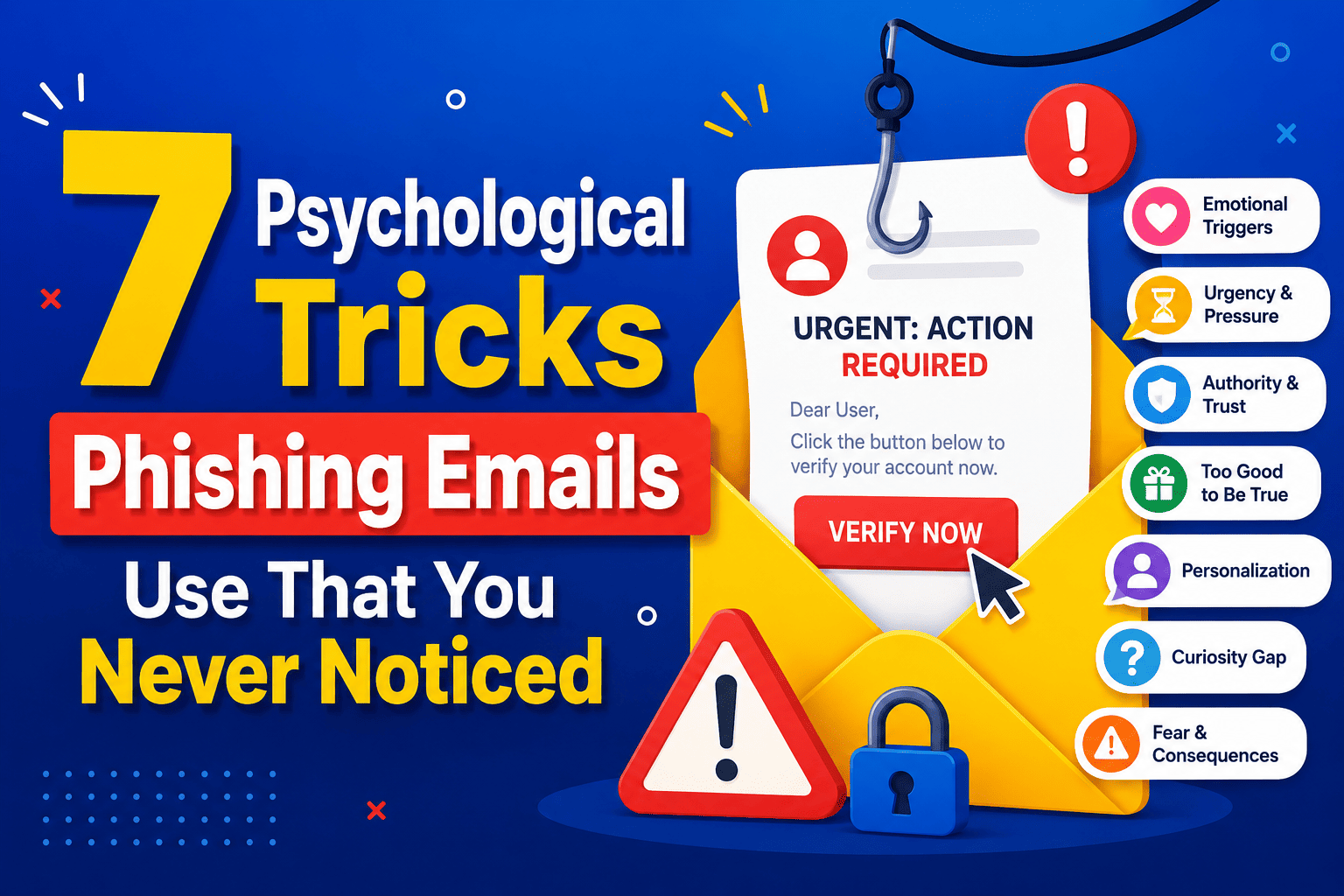
The new age of phishing scams is not one of poor grammar – it plays to your brain. Phishers use urgent deadlines, made-up authority, piqued curiosity, and minute visual cues such as a mismatch between the name of the sender and the actual email address to overwhelm your split-second decision-making process. The solution is not better technology but taking the time to check the sender address, hover over links, and be wary of anything demanding an instant response.
You’ve probably told yourself that you’re too smart to fall for a phishing email. But then Tuesday morning came around, half awake, and you saw “Your account will be suspended in 24 hours” and hit Reply before you had a chance to think.
This was no mistake. Each detail of a phishing email is designed specifically to catch your attention in the same way that advertisers test each aspect of their marketing campaigns. Here’s what’s actually happening behind the scenes, and how to spot it.
Why Phishing Still Works in 2026 (Even on Careful People)
Phishing isn’t a technology problem. It’s a psychology problem wearing a technology costume. According to the FBI’s Internet Crime Complaint Center, phishing consistently ranks as one of the most reported cybercrimes every year — not because people are careless, but because the emails are engineered to short-circuit the part of your brain that normally pauses to think.
Scammers don’t need you to be fooled for long. They only need three seconds of impulse before logic kicks in. Once you understand the specific triggers they use, those three seconds get a lot harder to steal.
The Psychological Triggers Hiding in Every Phishing Email
1. Manufactured Urgency
Account lockout in 24 hours. Unusual sign-on detected—take action now. This strategy works due to the induction of anxiety, which causes people to bypass verification process in their minds. It is very rare for legitimate companies to have a countdown timer when there are issues with an account. Pressure towards deadline is the strategy itself, not an effect.
2. Borrowed Authority
The phishing emails masquerade as emails from banks, courier companies, taxation authorities, and information technology departments because people have faith in authentic-looking emails and are not skeptical about their legitimacy. The issue here is not with the use of logos in phishing emails but with the belief that they cannot be replicated.
3. Loss Aversion
People react more to the fear of loss than to the joy of gain. Hence, “confirm your payment or lose your access” is much more successful in phishing experiments than “click here to update your information.” People are driven by the threat of losing rather than by any reward.
4. Curiosity Bait
The subject line that is vague such as “Re: Invoice #4471” or “In regards to your request” works due to your mind’s dislike of unanswered questions. While you haven’t asked for any invoice, you are now intrigued enough to read it.
5. False Familiarity
Many phishing emails feature real names that you will recognize, such as your colleague’s name, an organization delivering a package to you, or a subscription service that you use. However, such names are not coincidental but rather drawn from databases hacked by attackers or taken from publicly available profiles.
The Hidden Technical Cues Most People Scroll Right Past
Sender Address Mismatch
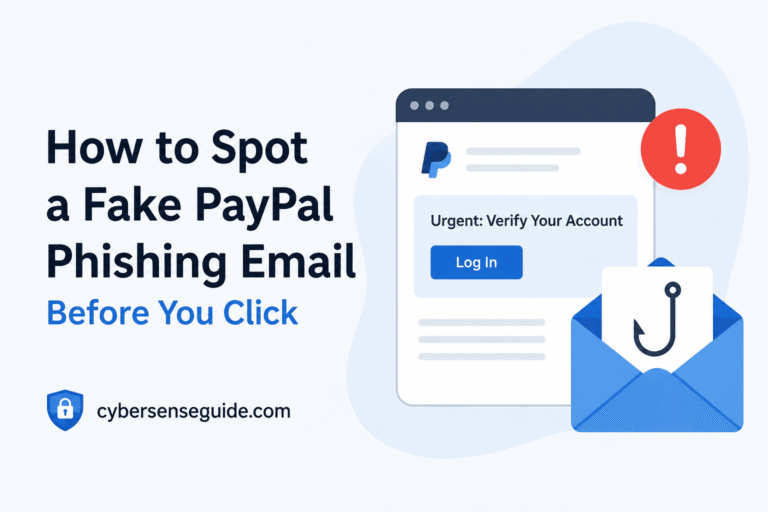
The display name says “PayPal Support,” but the actual address underneath might read something like service@paypa1-alerts.com. Most email apps show the friendly name by default and hide the real address unless you tap or hover on it. That one extra tap is often the entire difference between catching a scam and falling for one — we broke this exact pattern down in our guide on how to spot a fake PayPal phishing email.
Hidden Links Behind Real-Looking Text
The “Verify My Account” link can lead to any website selected by the sender. When using your computer, hover the mouse over the link to reveal its destination (without clicking). When using your phone, a preview of the link should appear when you hold it down for a second or two. If the URL doesn’t belong to the claimed company, you’re being scammed.
Redirect Chains and Lookalike Domains
Sophisticated phishing websites will force you to experience multiple redirections in order for you to land at the imitation login page that will momentarily appear real in the URL bar. These websites will change their domain into one that is similar, like a zero where an “o” should be, a dash, or just an alternate top-level domain. They will exploit the same technique of domain alteration as the one used in legitimate websites.
Real vs. Fake: A Side-by-Side Comparison
| Signal | Legitimate Email | Phishing Email |
|---|---|---|
| Sender address | Matches the company’s real domain exactly | Slightly altered domain or generic mail service |
| Tone | Informative, no artificial deadline | Urgent, threatens loss of access or money |
| Greeting | Usually uses your real name | Often generic: “Dear Customer” or “Dear User” |
| Links | Hovering shows the company’s real URL | Hovering reveals a mismatched or shortened URL |
| Requests | Never asks for full password via email | Asks you to “confirm” a password or card number |
| Attachments | Rare, and usually expected | Unexpected .zip, .exe, or “invoice” files |
What To Do Before You Even Open a Suspicious Email
- Check the sender address, not just the name. Tap or hover to reveal it.
- Don’t click — hover or long-press first. Compare the real link to the visible text.
- Search the company directly instead of using the email’s contact info. Type the real website into your browser.
- Pause on urgency. If a message is pressuring you to act in minutes or hours, treat that pressure as a warning sign, not a reason to hurry.
- Never enter a password after clicking an email link. Log in through the app or a manually typed URL instead.
Pros and Cons of Common “Spot the Phish” Habits
Checking the Sender Address
- Pros: Fast, free, catches most basic phishing attempts instantly.
- Cons: Doesn’t help against compromised real accounts sending genuine-looking emails.
Hovering Over Links
- Pros: Reveals the real destination before any damage is done.
- Cons: Harder to do reliably on some mobile email apps.
Relying on Antivirus or Email Filters
- Pros: Catches known malicious links and attachments automatically.
- Cons: New phishing domains often slip through before they’re flagged — we compared how different free tools handle this in our tested comparison of free antivirus apps.
Where Phishing Sneaks in Beyond Email
Phishing isn’t limited to your inbox anymore. Text messages, fake app notifications, and even push alerts use the exact same urgency and authority tricks. If your phone still has a few dangerous default settings turned on, a single tapped link can do more damage than it would on a desktop, since mobile browsers hide full URLs by default.
It’s also worth pairing this awareness with basic account hygiene. One of the simplest defenses against a successful phishing attempt is making stolen credentials useless on their own — something we covered in the one password habit that makes hackers give up.
Verdict: Is Awareness Enough to Stop Phishing?
Conclusion: While being conscious is important to recognize most cases of phishing, that alone is not sufficient. In fact, the safest way is through a combination of being alert with technical security measures like spam filters, anti-virus checks, and two-factor authentication.
Frequently Asked Questions
How can I tell if a link in an email is fake without clicking it?
Hover your mouse over the link on desktop, or long-press it on mobile, and compare the URL that appears to the company’s actual website. If they don’t match, don’t click.
Why do phishing emails create so much urgency?
Urgency triggers a stress response that suppresses careful thinking. Scammers rely on you acting before you verify, which is why almost every phishing message includes a deadline or threat.
Can a phishing email come from a real, trusted contact?
Yes. If a friend or coworker’s account has already been compromised, a phishing email can come from a genuine address you recognize. Unexpected requests for money or login details should always be confirmed through a separate channel, like a phone call.
What should I do if I already clicked a phishing link?
Don’t enter any login details on the page that opens. Close the tab, change the password for the affected account from a separate, trusted device, and enable two-factor authentication if it isn’t already active.
Are phishing emails always poorly written?
Not anymore. Many modern phishing emails are grammatically clean and visually polished. Spelling mistakes are no longer a reliable warning sign on their own — the sender address and link destination are far more revealing.
Final Thoughts
Phishing succeeds by exploiting speed — the speed of your reading, your reaction, and your trust. Slowing down for ten seconds to check a sender address or hover over a link costs you almost nothing. Falling for the email costs a lot more. For more real-world breakdowns like this, browse our Scams & Phishing section.
For official guidance, see the Federal Trade Commission, CISA, and Google’s Gmail Help Center. To report a phishing attempt directly, use the Anti-Phishing Working Group.