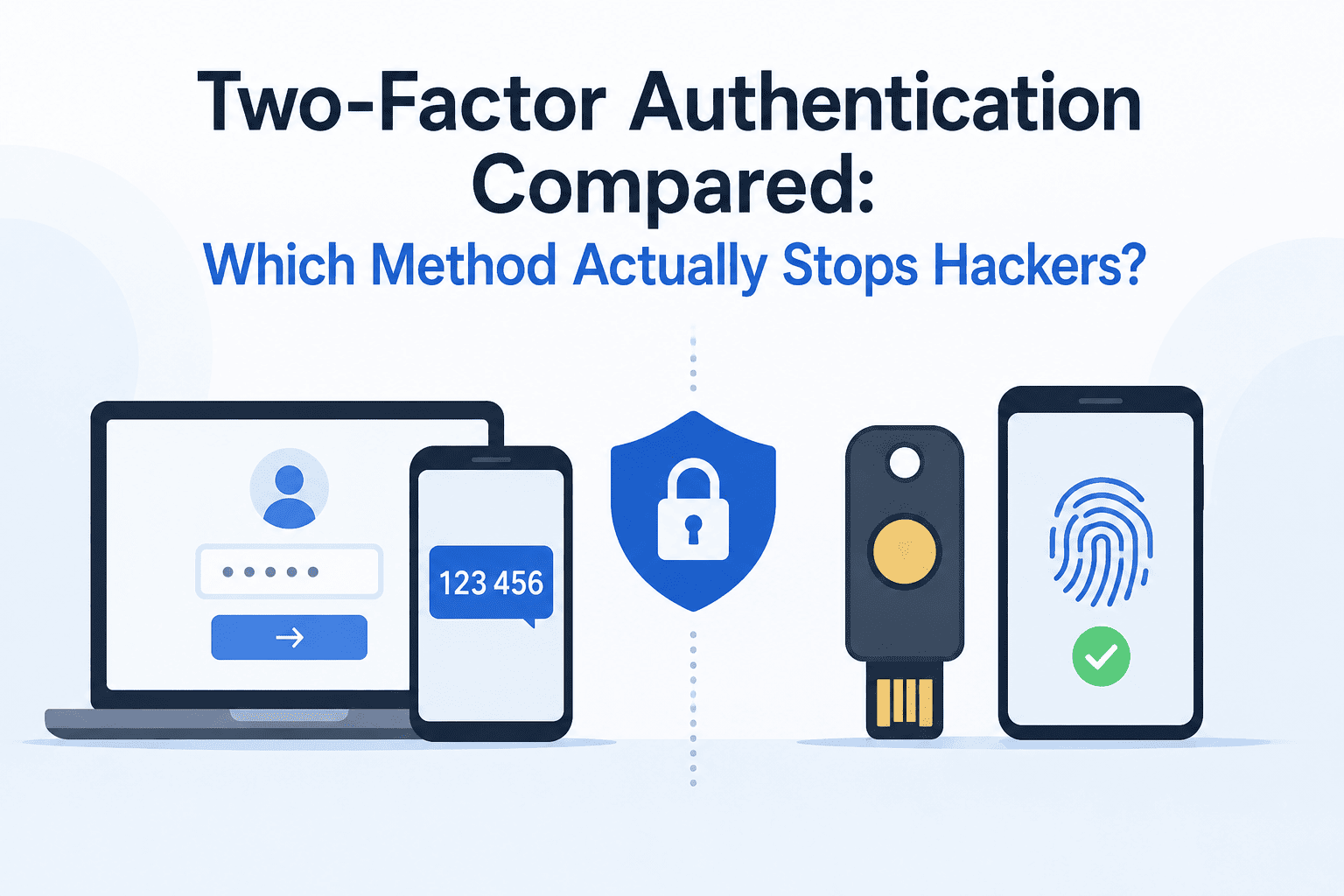
Short answer: Two-factor authentication is not created equal. SMS-based codes are vulnerable to SIM swapping attacks, authenticator apps are vulnerable to phishing scams, but passkeys and security hardware keys defend against both threats. If you have to pick one type of two-factor authentication today, go for either a security hardware key or a passkey.
Why “Just Turn On 2FA” Isn’t the Full Story
Every security checklist tells you to enable two-factor authentication. Almost none of them tell you that the method you pick changes how protected you actually are.
A hacker who steals your password can be stopped cold by 2FA, or waved right through, depending on which second factor you’re using. That’s the part most guides skip. We’ve already covered the one password habit that makes hackers give up, but a strong password paired with weak 2FA still leaves the door open.
This comparison breaks down the four methods you’ll actually encounter — SMS codes, authenticator apps, passkeys, and hardware security keys — and shows exactly which attacks each one stops, and which ones slip right through.
The Three Attacks That Matter Most
Before comparing methods, it helps to know what you’re actually defending against:
- SIM swapping: An attacker convinces your mobile carrier to move your phone number to a SIM card they control, letting them intercept your calls and texts.
- Phishing: A fake login page captures your password and your one-time code in real time, then instantly uses both to log in as you.
- Device theft: Someone physically takes your phone, laptop, or security key and tries to use it — or what’s stored on it — to get into your accounts.
The Federal Trade Commission notes that FTC Consumer Advice on two-factor authentication ranks SMS and email codes as the weakest option and recommends an authenticator app or security key whenever a site offers the choice.
2FA Methods Compared: SIM Swapping, Phishing, and Device Theft
| Method | SIM Swapping Risk | Phishing Risk | Device Theft Risk | Setup Effort |
|---|---|---|---|---|
| SMS Text Codes | Vulnerable | Vulnerable | Partially vulnerable | Very easy |
| Authenticator App (TOTP) | Resistant | Vulnerable | Partially vulnerable | Easy |
| Passkeys | Resistant | Resistant | Low risk | Easy |
| Hardware Security Key | Resistant | Resistant | Very low risk | Moderate |
The Cybersecurity and Infrastructure Security Agency (CISA) puts it plainly: any MFA beats none, but phishing-resistant methods built on the FIDO standard are the ones worth prioritizing.
SMS Text Codes: Convenient, but the Weakest Link
SMS 2FA sends a one-time code to your phone number. It works on any phone, needs no app, and takes seconds to set up. That’s exactly why it’s still the most common method — and the easiest for attackers to defeat.
Pros
- Works on any phone, no app required
- Fastest setup of any method
- Familiar to almost every user
Cons
- Fully exposed to SIM swapping — the code goes wherever your number goes
- Phishing kits can relay SMS codes to attackers in real time
- Codes can appear on a lock screen if your phone is stolen and unlocked
- Carrier support staff can be socially engineered into approving a swap
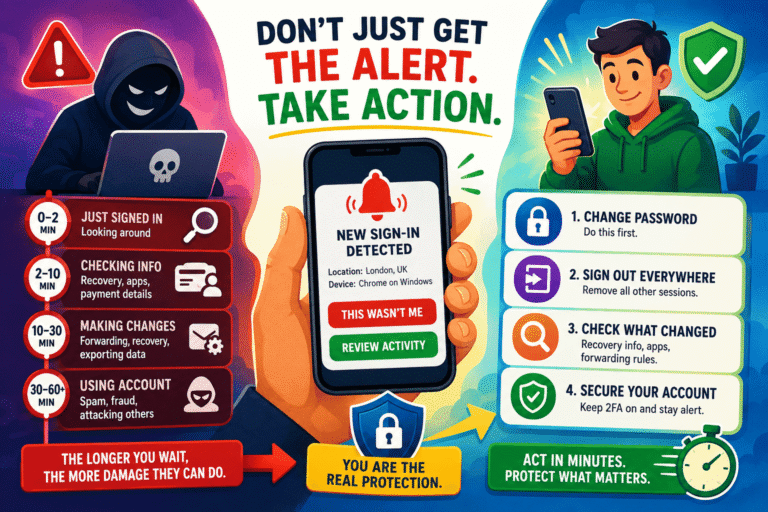
The Federal Communications Commission took this seriously enough to pass new rules — the FCC’s SIM swap and port-out fraud protections — forcing carriers to use stronger verification before moving a number to a new SIM. That helps, but it doesn’t make SMS codes phishing-resistant. If you’ve ever ignored a login alert tied to an SMS code, it’s worth reading the login alert mistakes people don’t realize they’re making — a swapped SIM often shows up as an alert you almost missed.
Authenticator Apps: A Real Step Up, With One Blind Spot
Apps like Google Authenticator, Microsoft Authenticator, and Authy generate a rotating code directly on your device, with no phone number involved. That single change kills SIM swapping as an attack path.
Pros
- Immune to SIM swapping since no phone number is used
- Codes work offline, with no carrier dependency
- Free and widely supported across major platforms
Cons
- Still vulnerable to real-time phishing — a fake login page can capture and reuse the code within its short validity window
- Push-based approval (tap “Yes” to approve) is exposed to “push bombing,” where attackers spam approval requests until someone taps accept out of frustration
- Losing the phone without a backup means losing access to every linked account
This is the method where phishing psychology does most of the damage, not the technology. If you want to see exactly how attackers manufacture that pressure, the psychological tricks phishing emails use breaks down the urgency tactics that get people to hand over a live code without thinking twice.
Passkeys: The New Default, and It’s Actually Good
Passkeys replace the password-plus-code combo entirely. Your device generates a cryptographic key pair — one half stays locked to your phone or computer, the other sits with the website. Signing in means unlocking your device with a fingerprint, face scan, or PIN. There’s no code to type, and nothing to steal in transit.
Pros
- Resistant to phishing by design — a passkey only works on the exact site it was created for, so a fake login page simply can’t use it
- No phone number involved, so SIM swapping is irrelevant
- Faster than typing a password and a code
- Increasingly supported by major platforms, according to the FIDO Alliance’s passkey overview
Cons
- Synced passkeys rely on your cloud account (Apple, Google, Microsoft) staying secure — if that account is compromised, the passkey ecosystem tied to it is at risk
- Not every site supports passkeys yet, so you’ll likely run two systems in parallel for a while
- Switching ecosystems (say, iPhone to Android) can complicate passkey transfer
Hardware Security Keys: The Strongest Option, If You’ll Actually Use It
A hardware key — like a YubiKey or Google Titan — is a small physical device you plug in or tap. It uses the same FIDO2/WebAuthn cryptography as passkeys, but the private key never leaves the physical device, not even to sync to a cloud account.
Pros
- The gold standard for phishing resistance — nothing about the login can be faked or relayed
- Not tied to a phone number or SIM card at all
- Immune to remote attacks entirely; an attacker needs the physical key in hand
Cons
- Costs money upfront (typically $25–$60 per key)
- Losing the key without a registered backup key can lock you out
- Not every service supports hardware keys, and setup takes a few extra minutes per account
For anyone protecting a high-value account — primary email, banking, crypto, or work admin access — this is worth the small cost. It’s the method CISA’s own MFA guidance for businesses ranks above every other option.
Which Method Should You Actually Use?
Verdict: If your accounts support it, use a passkey or a hardware security key as your primary login method, and keep an authenticator app as backup. Reserve SMS codes for accounts that offer nothing stronger — treat it as better-than-nothing, not as real protection.
Match the Method to the Account
- Email and password manager: hardware security key or passkey — these are the accounts that unlock everything else
- Banking and financial apps: authenticator app at minimum, hardware key if the bank supports it
- Social media: authenticator app is a solid middle ground
- Low-stakes accounts (newsletters, forums): SMS is acceptable if it’s the only option offered
Alternatives and Extra Layers Worth Adding
2FA method choice isn’t the only lever. A few extras reduce risk further, regardless of which method you’re on:
- Backup codes stored offline: print them or save them in an encrypted note, never as a screenshot on your phone
- A PIN or carrier lock on your mobile account: most carriers now offer a port-out PIN specifically to block SIM swap attempts
- Login alerts on every account: they won’t stop an attacker, but they tell you the moment one gets close — see why acting on login alerts matters more than just getting them
- A dedicated authenticator app instead of SMS for any account currently relying only on text codes
It’s also worth checking your phone’s own settings. Some default configurations make interception easier than it should be — see the phone settings that are dangerous by default for a quick audit.
Frequently Asked Questions
Is SMS 2FA better than no 2FA at all?
Yes. SMS codes stop the vast majority of automated, low-effort attacks like credential stuffing. They just don’t hold up against a targeted SIM swap or a real-time phishing kit.
Can passkeys be phished like passwords?
No. A passkey is cryptographically bound to the exact website it was created for. A phishing site with a lookalike domain simply cannot trigger it, which is the core design advantage over codes and passwords.
What happens if I lose my hardware security key?
Most services let you register a second backup key or fall back to an authenticator app during setup. Register a backup key before you need it — recovering an account with no second factor available can take days.
Do authenticator apps work without internet access?
Yes. Time-based codes are generated locally on the device and don’t require a data connection, unlike push-notification approval, which does.
Should I switch everything to passkeys immediately?
Switch where it’s supported, starting with your email and password manager. Keep an authenticator app as backup until passkey support becomes universal across the accounts you use daily.
Final Verdict
They’re not great, but better than nothing. Authenticator applications play a big role in defending against SIM swapping. Passkeys and security keys are specifically designed for phishing resistance. Whenever you have the choice between using a passkey or a security key on an account, do it, as this one choice covers two out of the three major 2FA attack vectors.