Simpler rewording:
The mere sending of an alert does not prevent any hacking; it merely warns you of its presence. The thing that will block any hackers is your response after that alert goes out, changing your password, terminating the session, and locking the account. Usually, an account takeover attempt fails not because the alert did not go out but because it did.
The Alert Was Never the Protection — Your Reaction Is
Right now, you most likely have a notification that has come through on your phone and you dismissed without giving it much thought. “New sign-in detected.” “Your password was used on a new device.” That’s just how everyone thinks of it – no big deal.
What is easy to ignore: that notification doesn’t actually do anything. It is not a security measure. It is a trigger telling you that something has occurred and whether or not it’s valuable depends on what you do next.
The detection to response gap is the phrase the security professionals use to describe this scenario, and when it comes down to one individual account, it is extremely small. Either you act fast or the attacker acts fast.
The Compromise Timeline: What Actually Happens After a Password Leaks
However, the procedure is rarely discussed in clear terms. Account takeover is not an event – it is a process where each additional stage becomes more favorable for the attacker. It may go like this after an initial breach using a password.
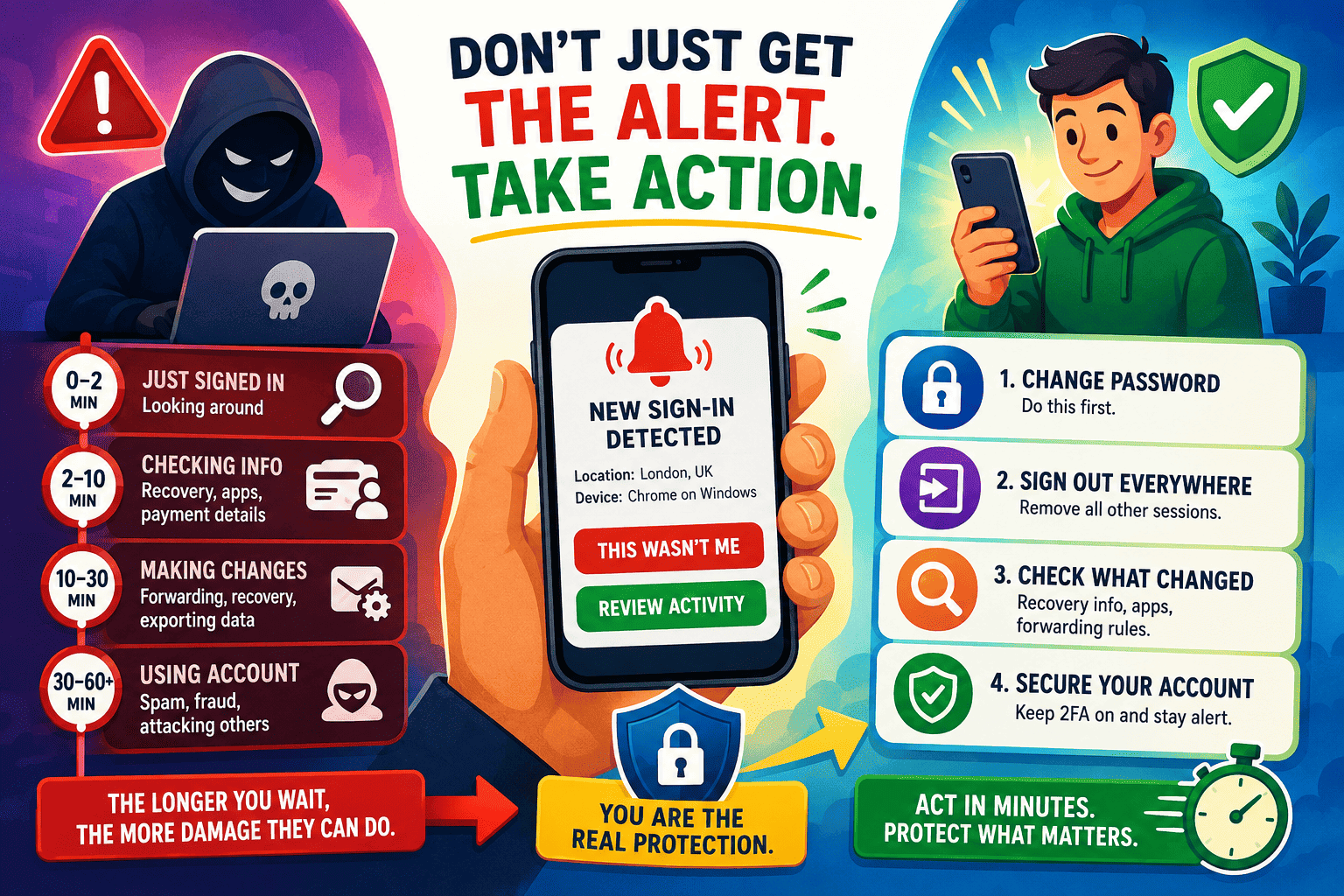
| Time Since Login | What the Attacker Is Doing | What You Can Still Stop |
|---|---|---|
| 0–2 minutes | Just signed in. Looking around the account, no changes made yet. | Everything. Nothing has been touched. |
| 2–10 minutes | Checking recovery email, connected apps, and saved payment info. | Kicking them out before they add a second way back in. |
| 10–30 minutes | Adding a forwarding rule, changing a recovery number, or exporting data. | This is roughly your last window. Acting here still saves the account. |
| 30–60+ minutes | Using the account for its actual purpose — spam, fraud, or pivoting to linked accounts. | Very little. This is now a confirmed breach, not a possible one. |
This entire process could even be completed before your lunch break is over. The account takeover process has become extremely fast in comparison to what you would normally believe. According to reports provided by Javelin and Visa, account takeover losses for consumers in the U.S. amounted to approximately $16 billion during a certain year. An industry report also reveals that up to 75 percent of logins utilizing leaked passwords work while almost half of these logins are carried out by bots rather than any real individual typing.
Why Smart, Careful People Still Ignore These Alerts
But it is not laziness. It is design. The pop-up of the login alert is very similar to hundreds of other ordinary notifications — application update notification, newsletter, shipping confirmation notification. Your brain got used to reacting to such notifications that way — a brief look, a dismissal, and then moving on.
Besides, there is another subtle reason why the alert doesn’t work so well. For most people receiving such an alert, there was a time when they created a false positive alert by doing something — installing a new phone, clearing their browser cache, using a different internet connection. Thus, the brain immediately classifies the “new sign-in” as “nothing to worry about.”
The mistakes that come from this — dismissing an alert you “sort of” recognize, confusing a real alert with a fake one — are worth understanding on their own, and they’re covered in more depth in 7 Login Alert Mistakes You Didn’t Know You Were Making. What matters here is the underlying reason those mistakes happen in the first place: the alert doesn’t feel urgent, even in the exact moment it matters most.
What “Acting Immediately” Actually Looks Like
Everyone doesn’t need to get panicky and contact the bank straight away. There is, however, a clear distinction between being fast and being calm, which can be made by simply doing several things.
- Don’t touch anything inside the alert itself. Open the platform in a new tab you typed yourself.
- Change the password first, before doing anything else. This is the single action that ends the attacker’s current session on most platforms.
- Sign out of all devices. Nearly every major service has this option buried in security settings — use it even if you’re not sure it’s needed.
- Check what changed. Recovery email, forwarding rules, connected third-party apps — this is where attackers try to build a way back in.
If you haven’t set up alerts on every account yet, that’s the step before this one, and it’s covered platform by platform in The One Password Habit That Makes Hackers Give Up and Move On. This article assumes the alert already fired — the question here is purely about what happens in the minutes right after.
Acted Fast vs. Waited a Few Hours: The Real Difference
| Acted Within Minutes | Waited a Few Hours | |
|---|---|---|
| Password | Changed before attacker could use it again | Attacker may have already changed it themselves |
| Sessions | Revoked, attacker locked out immediately | Attacker may still be logged in elsewhere |
| Recovery info | Unchanged, still yours | Possibly altered — harder to prove account ownership |
| Linked accounts | Untouched | At risk if this account is used to reset others |
| Recovery effort | Minutes | Potentially days, plus support tickets |
Pros and Cons of Relying on Alerts as Your Early-Warning System
- Pro: Free, already built into almost every major platform.
- Pro: Faster than any human-run fraud detection — the notification is nearly instant.
- Con: Useless if you don’t act on it within the same window an attacker is working in.
- Con: Easy to confuse with the flood of other everyday notifications.
- Con: Doesn’t prevent the login — it only tells you it happened.
Turning This Into a Reflex, Not a Rule You Forget
Reading a list of steps is easy. Actually doing them at 11pm when you’re tired and the alert seems probably-fine is the hard part. A few small ideas make it more automatic:
- Treat the notification sound the same way you’d treat a smoke alarm — not something you investigate later, but something you check right now.
- Give yourself a three-second rule: before dismissing any login alert, actually read the city and device name, not just the headline.
- Keep your most important account — usually email — set to your fastest notification channel, since it’s the master key to almost everything else you own.
None of this requires new software or a subscription. It’s closer to a reflex you build once and keep for good.
Alternatives Worth Pairing With Fast Alert Response
Acting quickly on alerts is powerful, but it works best alongside a couple of other habits:
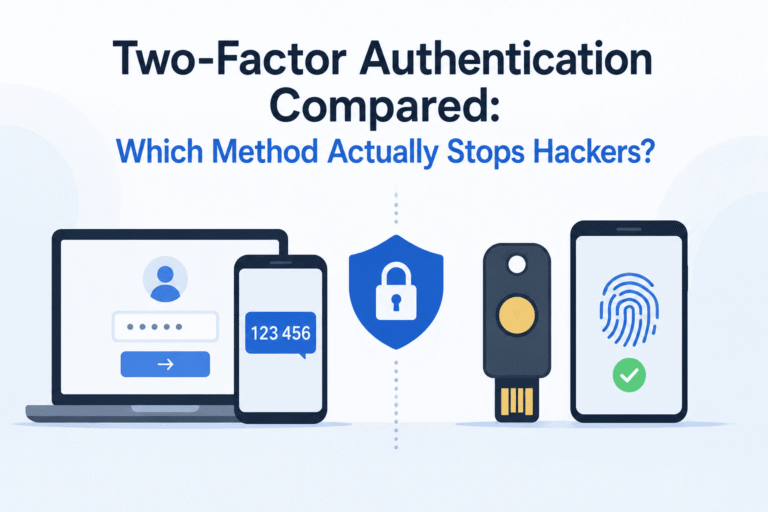
- Two-factor authentication. Blocks many login attempts outright, so the alert becomes a record of a failed attack rather than a successful one.
- Breach monitoring. Checking Have I Been Pwned tells you if your password is already circulating before an alert even has a reason to fire.
- Recognizing phishing attempts that impersonate real login alerts to trick you into handing over the very password you’re trying to protect — a tactic covered in 7 Psychological Tricks Phishing Emails Use That You Never Noticed.
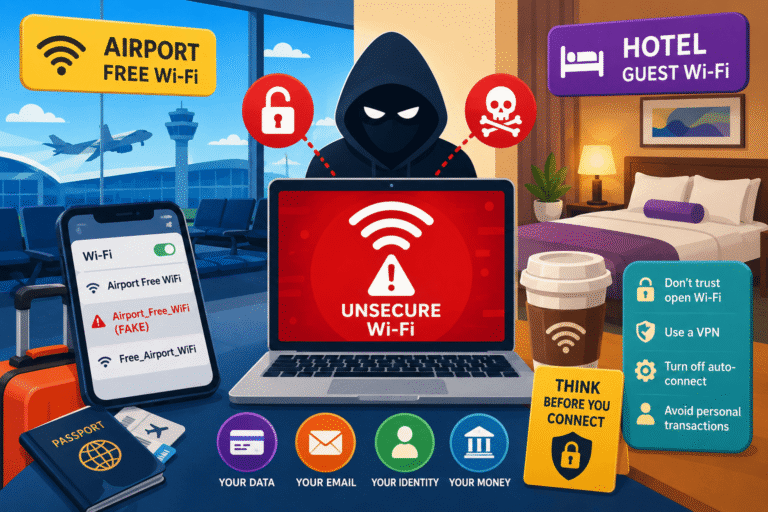
- Being careful about where you log in from. Credentials typed over unsecured public Wi-Fi are one of the more common ways this whole chain gets started in the first place.
Final Verdict
Rating: Act in the First 10 Minutes, Not the First Day.
The fact is that many people have the login alerts installed on their mobile phones and they are working fine. The thing is not about the technology itself but about the time period between getting an alert and reacting to it. The time is the only thing that the attacker needs to do his job, and he will have just several minutes to do that.
There is no need for any additional software here. Take each login alert as an object worth ten seconds of your attention.
Frequently Asked Questions
I saw the alert an hour ago and did nothing. Is it too late?
Not necessarily, but urgency still matters. Change the password and revoke sessions now — every additional hour gives an attacker more time to add a way back in, even if they haven’t caused visible damage yet.
If I already use two-factor authentication, does reacting fast still matter?
Yes. 2FA reduces how often an attacker gets in successfully, but it doesn’t help once they’re already inside — through a stolen session token, a SIM swap, or a rare 2FA bypass. The alert and your response are still the backup layer.
What if the alert really was just me, logging in from a new device?
Most platforms let you mark a device as trusted after confirming it was you, which stops repeat alerts for that device specifically. It only takes a moment to check the city and device name shown in the alert before dismissing it either way.
Do free accounts like email or social media need this as much as banking apps?
Often more. A banking app usually has extra fraud checks behind it. Email frequently doesn’t — and it’s the account most other services use to reset your password, which makes it the highest-value target of all.
Is turning alerts off because they’re annoying ever a reasonable move?
Not for anything you actually care about. If the volume is the problem, fix the channel or mark trusted devices instead of switching alerts off entirely — that removes the one signal you’d get if something actually goes wrong.
Where can I learn more about protecting my accounts in general?
Government cybersecurity agencies publish free, regularly updated guidance for everyday users — including the Cybersecurity and Infrastructure Security Agency (CISA), the UK’s National Cyber Security Centre, and IdentityTheft.gov if you ever need to report an account that was actually taken over.