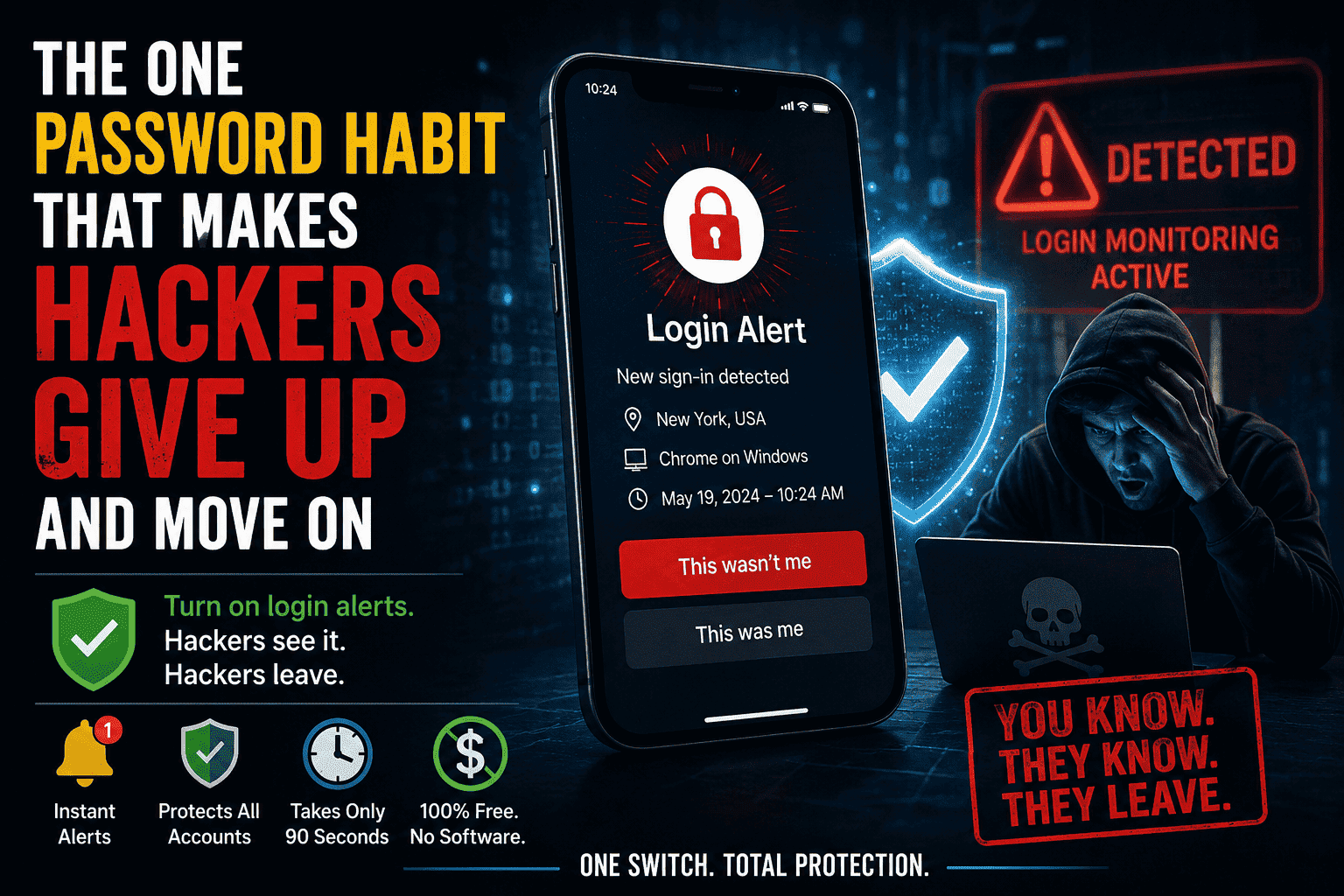
Quick Answer , The one password rule which causes hackers to surrender is turning on login alerts for all your accounts. When you turn this one switch on, any bot or automated credential-stuffing program becomes evident – and the hacker knows that you know. Most hackers stop what they’re doing and leave right away. Without needing a password manager and without any fancy software. Just flip the switch!
Here’s what everyone tells you to do: pick a good password, don’t reuse it, make it at least 16 characters long and include some symbols. You’ve probably been told this a hundred times before. And still accounts get hacked, not because the passwords were weak but because they gave hackers a chance.
Silence is the friendliest environment for a hacker. If someone tries to break into your account and you don’t receive a single alert or message about it – no beep, no ping, no notification whatsoever – then the hacker can continue trying thousands of passwords over the course of hours or even days, while you’re unaware of anything going on.
There is one single behavior that will change everything about this. It is absolutely free. It takes only about 90 seconds to get it going. Once it is turned on, all the attempted logins without authorization become a red flag — for you and the attacker. The name of this behavior is allowing alerts for logins.
In this article, I explain why it works, how the hackers react to it, where and how you can enable it, and what to do in case the alert gets triggered.
Why Most Password Advice Misses the Point
Passwords are important. Everyone agrees with that. The critical issue here is not the password itself; it is its visibility. If a hacker aims to hack your account, the objective is not necessarily to break into one ingenious and unique password but to enter and remain invisible.
The entire modern hacking economy runs on automation. Tools like credential-stuffing scripts don’t manually type passwords — they cycle through leaked username/password combinations at machine speed, sometimes thousands of attempts per minute across millions of accounts simultaneously. According to Verizon’s Data Breach Investigations Report, over 80% of hacking-related breaches involve stolen or brute-forced credentials.
The math is brutal: even a “strong” password offers limited protection once your email and password combination has already leaked from a third-party breach — which is more common than most people realize. Have I Been Pwned currently indexes over 12 billion breached accounts. Yours may already be on that list.
But the issue is not only “How can I make my password more difficult to guess?” It’s “How can I make my account completely immune from silent attack?”
This is what login alerts turn around.
What Exactly Are Login Alerts?
What is referred to as a login alert or sign-in alert is a message sent to your account in real-time (either email, SMS or push) every time you log in successfully or even try to log in using an unknown device.
The good news is that almost all the popular platforms offer this feature. Google, Facebook, Apple, Microsoft, Twitter, Instagram and most serious banking apps do offer something similar. The bad news, however, is that this feature is usually turned off by default.
Think of it like this:
- Without alerts: your front door has a lock, but no alarm. A skilled intruder can pick it and you won’t know for weeks.
- With alerts: the moment the door opens — even with a valid key — a siren sounds. Not for the neighbors. Just for you. But that’s enough.
Hackers hate noise. Their entire operation depends on stealth. The moment they trigger a notification on your end, the clock starts ticking — against them.
How Hackers Actually Respond to Login Alerts
This is where the psychological aspect comes in. Credential stuffing botnets operate on a massive scale. In one day, one botnet alone could be attempting 50 million account/password pairs on different services.
They don’t waste time trying to brute force accounts which retaliate.
When a hacker’s code manages to authenticate into an account, and the account promptly sends a login notification to its owner, what follows is:
1. The Owner Reacts
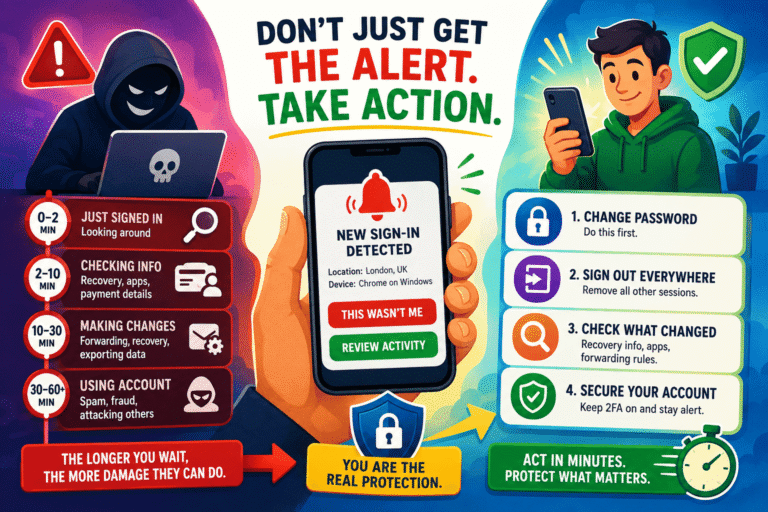
The moment you receive an “a new sign-in is detected” email and have not recently logged in, you know that you need to change your password and revoke any active sessions, and maybe even enable two-factor authentication. The attack has no time to gather anything.
2. The Attacker’s Tool Flags the Account as “Hot”
Credential stuffing attacks monitor user accounts. Accounts that have an immediate response to their activities, like password resets and log out from sessions, are categorized as risky accounts, and they move away. There are 800 million accounts that will never put up resistance.
3. The Risk-Reward Calculation Shifts
Hacking isn’t a passion project. It’s an economy. The UK National Cyber Security Centre consistently notes that opportunistic attackers follow the path of least resistance. An account that notifies its owner in real-time is by definition a high-resistance target. For an attacker working automation at scale, it simply isn’t worth it.
Where to Enable Login Alerts Right Now (Platform-by-Platform)
Here’s exactly where to find this setting on the most common platforms. Bookmark this section and go through it tonight.
| Platform | Where to Find It | Alert Type |
|---|---|---|
| Google / Gmail | myaccount.google.com → Security → Your devices / Recent security activity | Email + push notification |
| Settings & Privacy → Settings → Security and Login → Get alerts about unrecognized logins | Email, SMS, or Messenger notification | |
| Apple ID | appleid.apple.com → Sign-in and Security → Two-Factor Authentication (alerts are automatic) | Push notification to trusted devices |
| Microsoft / Outlook | account.microsoft.com → Security → Advanced security options → Activity notifications | |
| Settings → Security → Login Activity / Notifications | Email or push notification | |
| Twitter / X | Settings → Security and account access → Security → Login verification | Email or SMS |
| Your Bank | Mobile app → Notification Settings → Account Access Alerts | SMS or push notification |
Priority order: start with your email account. Email is the master key to everything else. If an attacker owns your email, they can request password resets for every other account. Protect your inbox first.
What to Do When a Login Alert Fires
Turning on notifications is your first step. Knowing how to react is the next step. Panic usually ensues after receiving a login notification out of the blue, which results in actions such as clicking a link from an e-mail claiming to be a login notification.
Here is the correct 4-step response:
- Do not click any links inside the alert email. Go directly to the platform’s website by typing the URL yourself. Phishers send fake login alerts constantly.
- Change your password immediately from within the platform’s settings. Choose something new — not a variation of your old one.
- Revoke all active sessions. Every major platform has a “Sign out of all devices” or “Revoke all sessions” button somewhere in security settings. Use it. This kicks out whoever logged in.
- Enable two-factor authentication if you haven’t already. This is the natural follow-up move. Even if someone gets your new password in the future, they still can’t get in without the second factor.
The window between “alert fires” and “you respond” is the only window the attacker has. A fast response closes it before they can do anything meaningful.
Why This One Habit Outperforms a Dozen Other Security Tips
There are hundreds of cybersecurity tips floating around the internet. Use a VPN. Use a password manager. Use different passwords everywhere. Use 2FA. Don’t click phishing links. The list never ends.
Most people get overwhelmed and do nothing. Login alerts are different for three reasons:
1. They Work Even When Everything Else Fails
Even if your password had been compromised in a data breach that you didn’t know of before, even if you were using the same password for three different platforms, and even if the hacker possesses the password, none of these things matter if you get notified the minute he tries to use it.
2. They Create Active Deterrence, Not Just Passive Defense
Good passwords are passive; they are resistant to attack but do not react to any attack. The login alert is an active deterrent; it makes sure that you are involved right when the attack takes place. This change from passive to active is tremendous.
3. They Take 90 Seconds to Set Up
Proper setup of a password manager requires several hours, with the strong master password, different passwords for 200 websites and integration with the web browser. However, most individuals do not complete it. It takes less than two minutes to activate login notification on each platform.
Pros and Cons of Login Alerts
| Pros | Cons |
|---|---|
| Immediate visibility into unauthorized access | Can generate false positives (e.g., logging in from a new device during travel) |
| Free on virtually every major platform | Alerts can be faked in phishing emails — requires careful response habits |
| Takes under 2 minutes per account to enable | Email alerts are useless if your email itself is compromised first |
| Works as a deterrent even before an attacker gains access | Some platforms bury the setting and updating requires extra navigation |
| No software to install or maintain | Doesn’t prevent access — only notifies after the fact |
| Pairs powerfully with 2FA for layered security | Requires you to actually act quickly when an alert fires |
The Alert + 2FA Combination: Why Together They’re Nearly Unbreakable
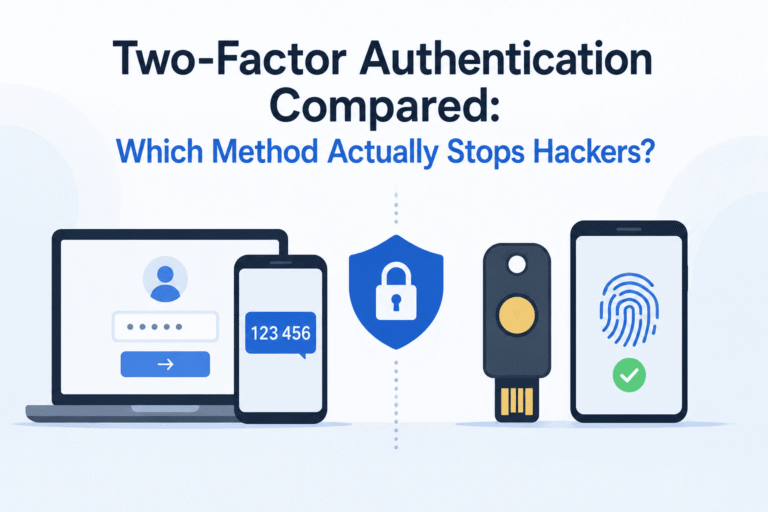
Login notifications come when you login successfully. 2FA protects your account against unauthorized logins. Combining both of them will ensure security of your accounts from two entirely different threat situations.
Here’s how the layers interact:
- Scenario A — Attacker has your password: 2FA blocks the login. You get an alert that someone tried and failed. You change your password from a position of safety.
- Scenario B — Attacker bypasses 2FA (rare but possible via SIM-swapping): The login alert fires. You know instantly. You revoke sessions within minutes.
- Scenario C — Sophisticated session hijacking: The alert fires for an unrecognized device or location. You revoke active sessions before the attacker can export your data.
No single security measure is bulletproof. But these two habits together close nearly every common attack vector that everyday users face. The Cybersecurity and Infrastructure Security Agency (CISA) consistently lists account monitoring and multi-factor authentication among the top defenses for individuals and organizations alike.
Common Mistakes People Make After Enabling Alerts
Ignoring Alerts They Recognize
“Oh, I was only logging in from my office laptop.” Good – but just spend 10 seconds to check that the location and device indicated in the alert match where you logged in from. Hackers often log in from places near you to prevent geo-location alerts.
Sending Alerts Only to Email — Then Ignoring Email
If you check your email once a day, a login alert loses most of its value. Configure alerts to fire on the channel you monitor most actively: push notifications are almost always faster than email.
Using the Alert Email as the Recovery Email
When your Gmail account receives the security notification from the same Gmail address, and the intruder gets hold of that Gmail account, he will just erase the notification before you even receive it. Use another email address for high value accounts, one that is better yet on a different service provider.
Treating the Alert as the End of the Process
Alert is an alarm for fire, but not an extinguisher for it. If one fails to act upon the alert, then receiving it would be of no use at all. Always make it a point to open the platform without delay whenever an alert occurs.
Alternatives and Complementary Habits Worth Considering
Login alerts are the single most impactful, lowest-friction habit. But once that’s set up, here’s what to layer on next:
Password Manager (Strongly Recommended)
A good password manager like Bitwarden (free and open-source) generates and stores unique, strong passwords for every site. This eliminates credential reuse — the root cause of most credential-stuffing attacks. Combined with login alerts, you’ve addressed both the cause and the symptom.
Passkeys
Passkeys are a newer standard that replaces passwords entirely with cryptographic keys tied to your device. Google, Apple, and Microsoft all support them now. They’re immune to phishing and credential stuffing because there’s no password to steal. The FIDO Alliance maintains the open standard behind passkeys and is a good resource for understanding how they work.
Breach Monitoring
Have I Been Pwned (as previously mentioned) can alert you in case of a fresh breach involving your e-mail address. This is reactive, meaning it happens after the breach occurs, but it serves as an effective warning signal that your credentials may be compromised.
Account Activity Audits
Every month, allocate five minutes to check your “recent activity” or “active sessions” in your important accounts. Search for any devices or places that look unfamiliar to you. This will detect the patient hackers that quietly entered your account without setting off an alarm.
Final Verdict
Setting up alerts for logins is the absolutely most underrated thing you can do relative to passwords. It’s free. It takes a couple minutes. And it turns your accounts from silent prey into loud alarms.
Hackers – particularly the automated hacking programs that make up the vast majority of password-based credential attacks out there – work on efficiency. They require silence to operate. Alerts take away that silence entirely. Hackers generally do not waste time trying to break into an account that fights back; they go onto the next one.
Set up alerts on your email account now. Then your social media. Then your banking. And in less than 30 minutes, you’ll make yourself significantly more expensive to attack – and much safer, too.
Rating: Essential – This Is Where You Begin.
Frequently Asked Questions
Do login alerts replace two-factor authentication?
No. Because they fulfill distinct functions. The former is used to ensure that an unauthorized login doesn’t take place. Whereas the latter is used to alert you whenever a login takes place, whether it is an authorized one or an unauthorized one.
What if I get login alerts all the time because I switch devices a lot?
Many systems enable you to select “trusted” or “recognized” devices. After you have made the selection, the system will not notify you of any activity on the trusted device when you sign in. It notifies you only of genuine unauthorized access.
Can hackers disable my login alerts after they get in?
Strictly speaking, yes, if they manage to get into your computer and move fast enough. That is what the importance of quick reaction time is all about. You get an alert as soon as they log in, and that gives you an opportunity to cut them off before they have time to do anything.
Are login alerts the same as two-factor authentication texts?
No. 2FA texts send a code you need to enter to complete a login. Login alerts simply notify you after a login has occurred. They are separate features, though both live in the security settings of most platforms.
My account was already breached. Does enabling alerts help now?
Yes. Enabling alerts now means any future unauthorized access will immediately be visible. It doesn’t reverse past damage, but it closes the window for ongoing or repeat access. Change your password, revoke all sessions, enable 2FA, then enable alerts — in that order.
Which account should I protect first?
Your primary email account, without question. Email is the master key: it holds password reset links for every other account you own. Secure your inbox first, and you’ve protected everything connected to it by extension.